Seasonal product planning
Compare demand during planting, dry and rainy seasons to avoid excess or missing stock.

Help your agri-business thrive.
Agrovet stores sell a varied catalogue of farm inputs, feeds and animal-care products. Good records should help owners track seasonal demand while respecting special handling and expiry needs.
Agrovet shops need to track a variety of fast- and slow-moving products while handling seasonal demand. The right POS can support daily selling and purchasing decisions.
Ask our team about specialised handling for regulated products and expiry-based stock requirements.
Choosing a POS is about checking how it fits your operation, not comparing feature lists. Use the questions below when meeting a vendor or planning a pilot.
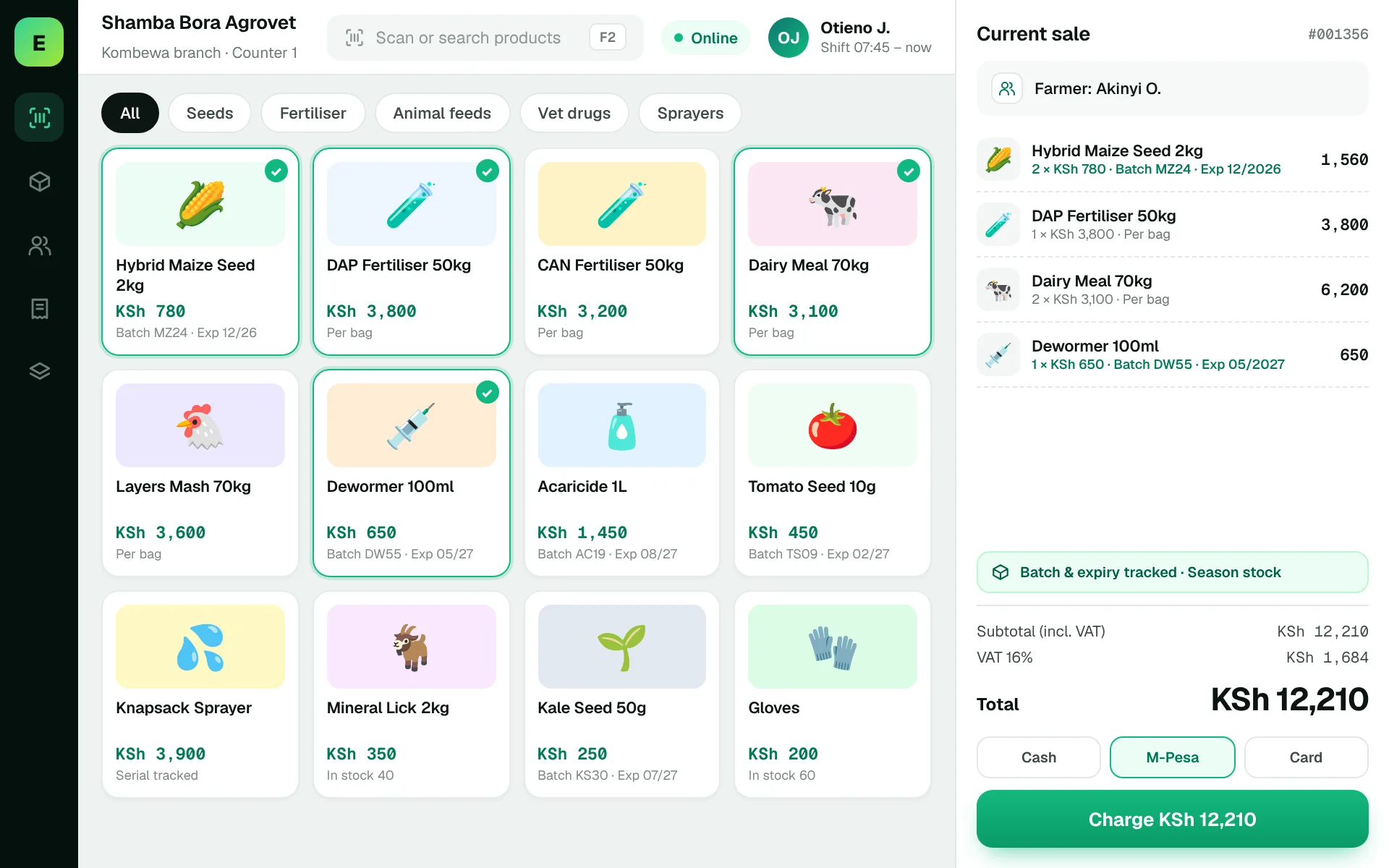
An example EUJIM POS sale set up for agrovet shops: industry products and units, the running cart, VAT and payment options in one screen.
Use these to judge any software against the way your team really works.
Compare demand during planting, dry and rainy seasons to avoid excess or missing stock.
Check how the same product is sold in bags, bottles and smaller quantities.
Identify products that require expiry or batch monitoring and verify whether the software supports those records.
Understand purchase lead times and keep accurate incoming-stock records.
A shop sees a demand spike before planting. The owner must identify fast movers, place timely supplier orders and avoid counting the same stock twice.
Test this in a demoShare this checklist with your operations and finance teams, then ask any vendor to demonstrate each item.
Discuss your requirementsPack-size and unit records
Batch and expiry needs
Category-specific stock alerts
Supplier order history
Seasonal sales analysis
Stocktake and adjustments
Applicable product-handling rules
Straight answers to help you shortlist a system that matches your needs.
Accurate product and pack-size records, purchasing and seasonal demand visibility often matter most.
Expiry capability must be verified against a real batch-based scenario.
A diverse catalogue is possible in many inventory systems, but compliance and handling requirements need separate review.
Compare how other trades approach checkout, stock and reporting. All POS guides
Compare requirements, costs, invoicing, hardware and onboarding.
Read the guides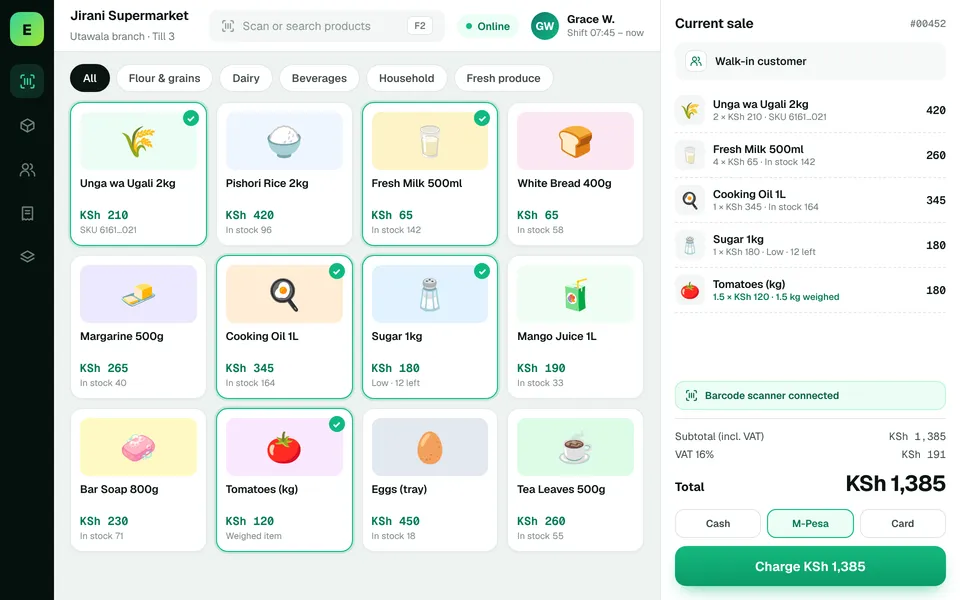 SupermarketsManage fast-moving products, daily checkout queues, replenishment and sales performance from a connected workspace.
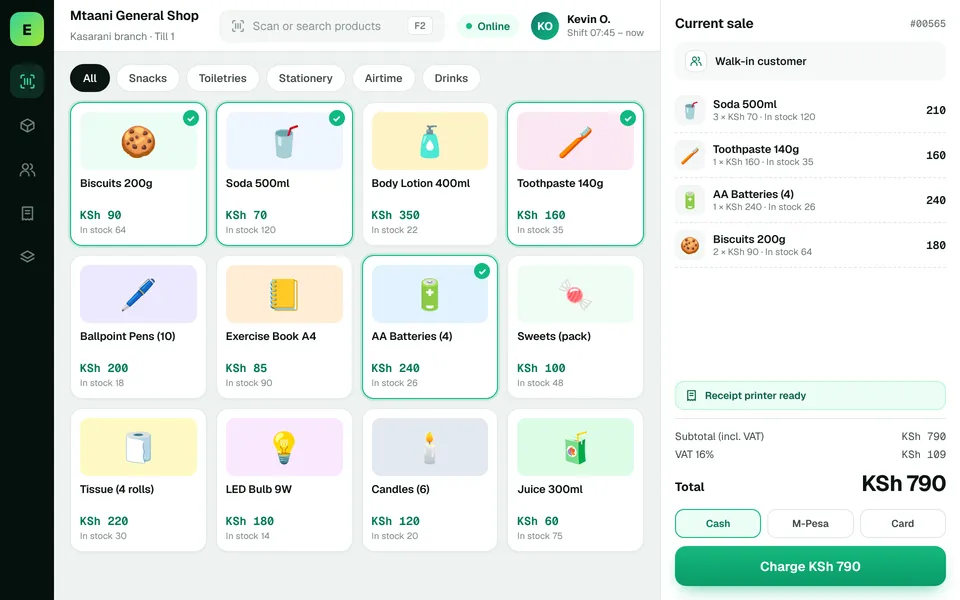 Retail ShopsKeep daily selling simple and track the product information your retail team depends on.
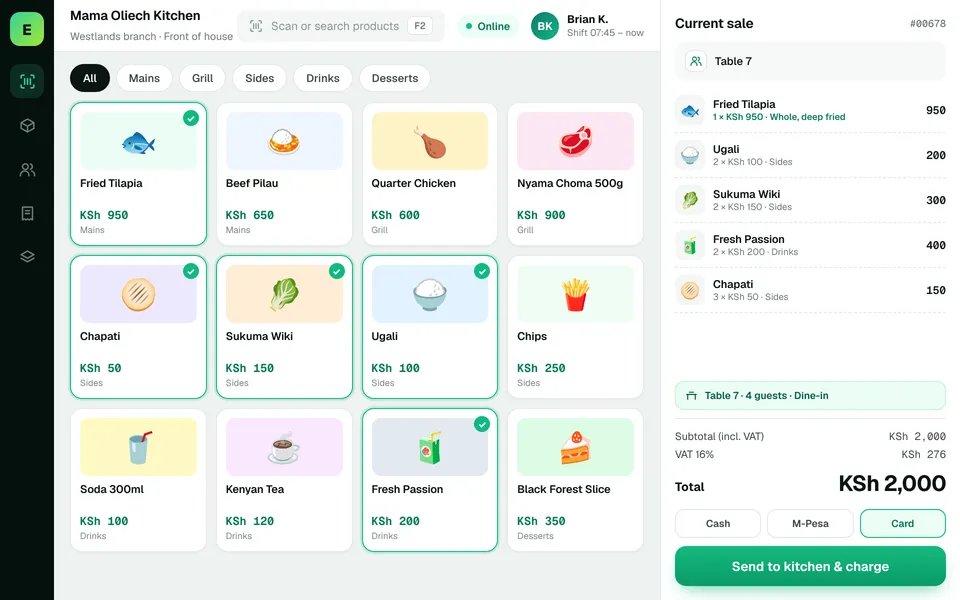 Restaurants & CafésSimplify daily sales recording and understand how your food-service business performs.
The examples on this page describe useful requirements for agrovet software. Specialist capabilities, hardware compatibility, offline behaviour, M-Pesa integration and KRA eTIMS integration must be confirmed for your EUJIM POS deployment. See KRA's official integration guidance.
See EUJIM POS working with your own products, your supplier deliveries and your end-of-day routine. We'll put the quotation in writing.