Services and products
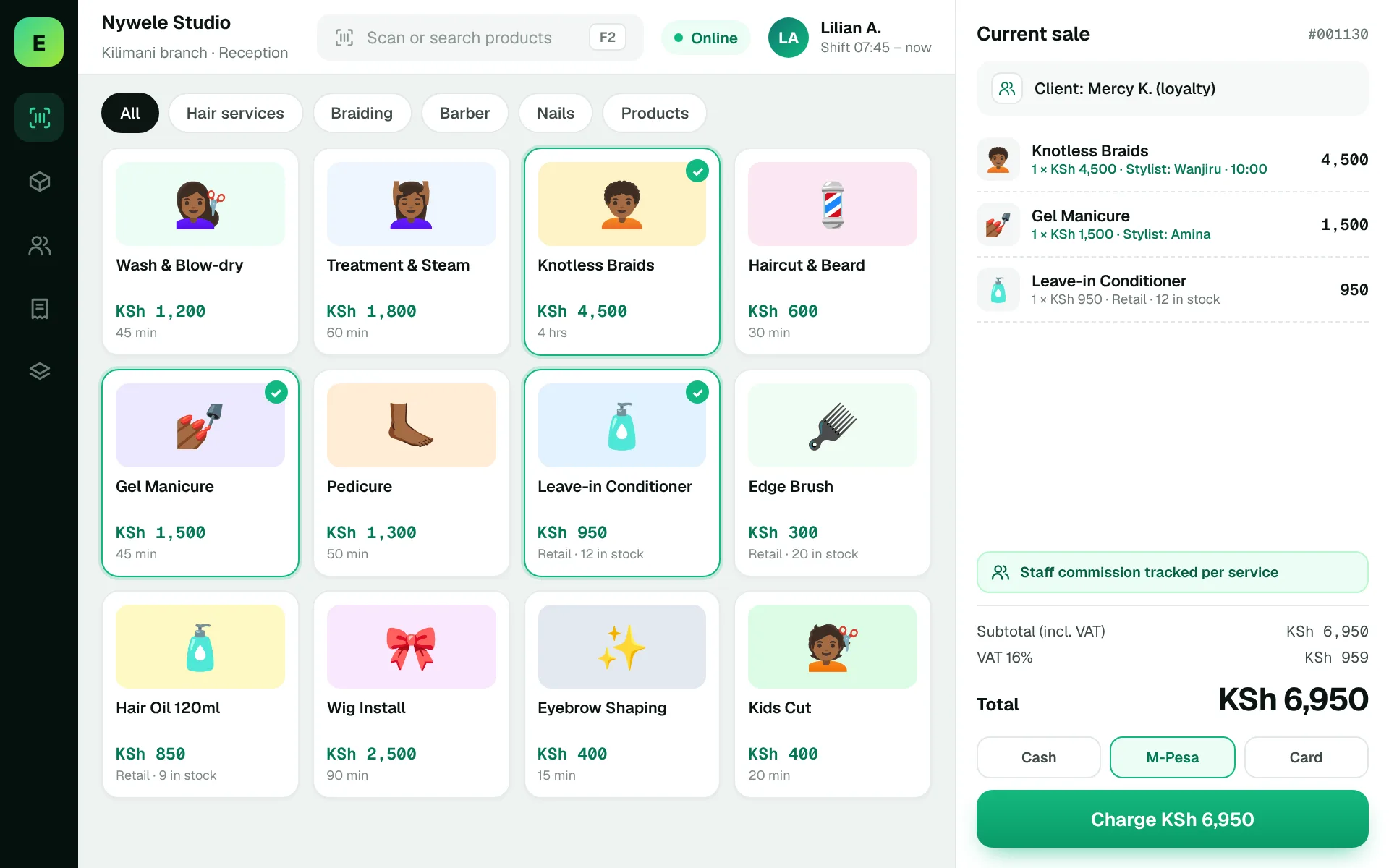
Test a transaction combining a haircut, treatment and retail product.

Give your business the same care you give clients.
Salons and barbershops combine services, retail items and staff productivity. A useful business system should distinguish service revenue from the sale of hair, beauty and grooming products.
Service-led businesses also sell products, purchase supplies and monitor performance. A clean POS experience helps owners stay on top of everyday transactions.
Appointments, commissions and staff scheduling are specialist workflows. Discuss any of these requirements with EUJIM POS to establish the right setup.
Choosing a POS is about checking how it fits your operation, not comparing feature lists. Use the questions below when meeting a vendor or planning a pilot.
An example EUJIM POS sale set up for salons & barbershops: industry products and units, the running cart, VAT and payment options in one screen.
Use these to judge any software against the way your team really works.
Test a transaction combining a haircut, treatment and retail product.
Define whether sales and services need to be attributed to specific stylists or barbers.
Confirm whether scheduling, deposits and no-shows require a dedicated booking module.
Track purchased retail products separately from consumables used to deliver services.
A customer receives a haircut and wash, then buys a styling product. Review the receipt, staff attribution and business reports.
Test this in a demoShare this checklist with your operations and finance teams, then ask any vendor to demonstrate each item.
Discuss your requirementsService and retail item distinction
Appointment needs
Staff commissions
Retail inventory
Discount packages
Receipt and payment handling
Daily performance reports
Straight answers to help you shortlist a system that matches your needs.
Some systems can, but test service setup, tax treatment and reporting as part of a demo.
Do not assume it does; booking functionality needs explicit confirmation.
Confirm commission rules, employee attribution and reporting with the vendor.
Compare how other trades approach checkout, stock and reporting. All POS guides
Compare requirements, costs, invoicing, hardware and onboarding.
Read the guides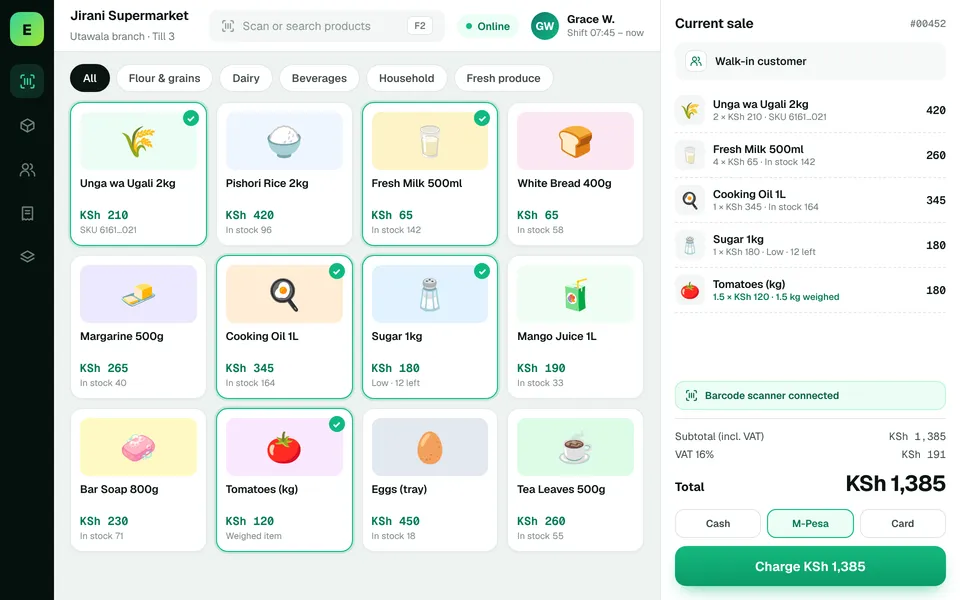 SupermarketsManage fast-moving products, daily checkout queues, replenishment and sales performance from a connected workspace.
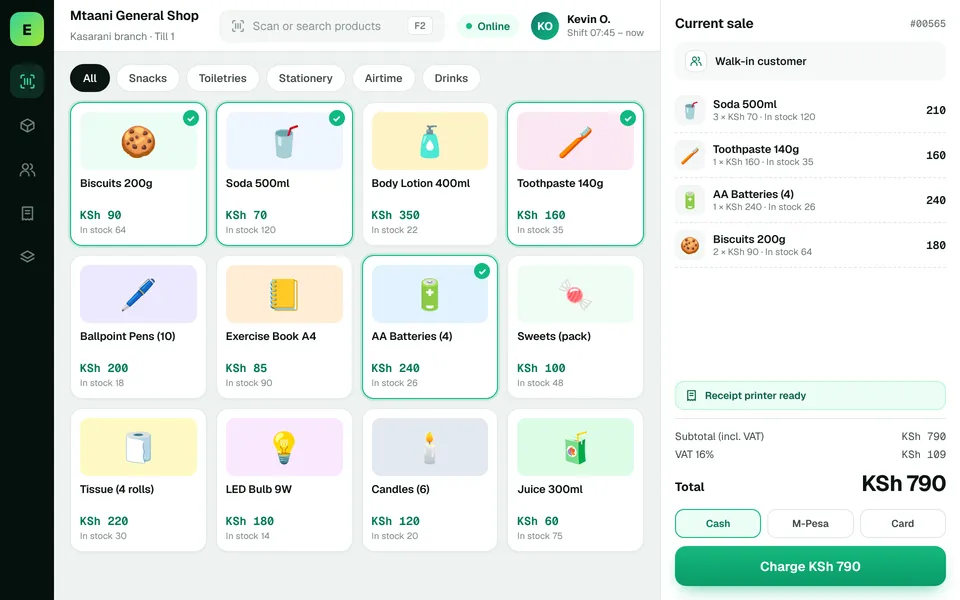 Retail ShopsKeep daily selling simple and track the product information your retail team depends on.
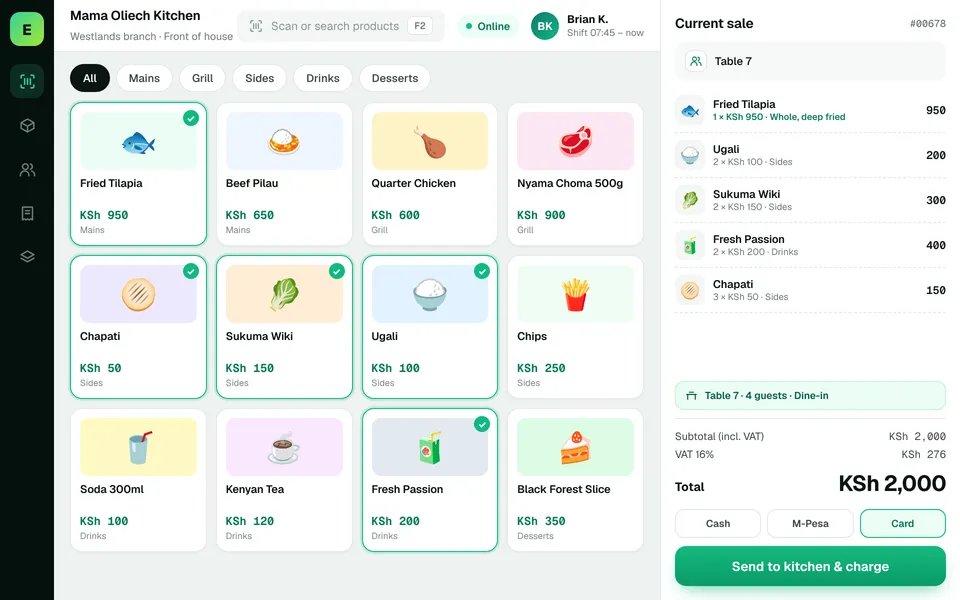 Restaurants & CafésSimplify daily sales recording and understand how your food-service business performs.
The examples on this page describe useful requirements for salon software. Specialist capabilities, hardware compatibility, offline behaviour, M-Pesa integration and KRA eTIMS integration must be confirmed for your EUJIM POS deployment. See KRA's official integration guidance.
See EUJIM POS working with your own products, your supplier deliveries and your end-of-day routine. We'll put the quotation in writing.