Shade and variant management
Organise the same makeup line by shade, size and other useful attributes.

Make every product count.
Cosmetics and beauty retailers juggle shades, brands, promotions and changing product trends. Product variation and replenishment processes deserve just as much attention as the design of the checkout screen.
Beauty stores depend on up-to-date stock knowledge and smooth customer experiences. Make daily sales simpler and see which products deserve attention.
Discuss your product variant and brand management needs during a product walkthrough.
Choosing a POS is about checking how it fits your operation, not comparing feature lists. Use the questions below when meeting a vendor or planning a pilot.
An example EUJIM POS sale set up for cosmetics & beauty stores: industry products and units, the running cart, VAT and payment options in one screen.
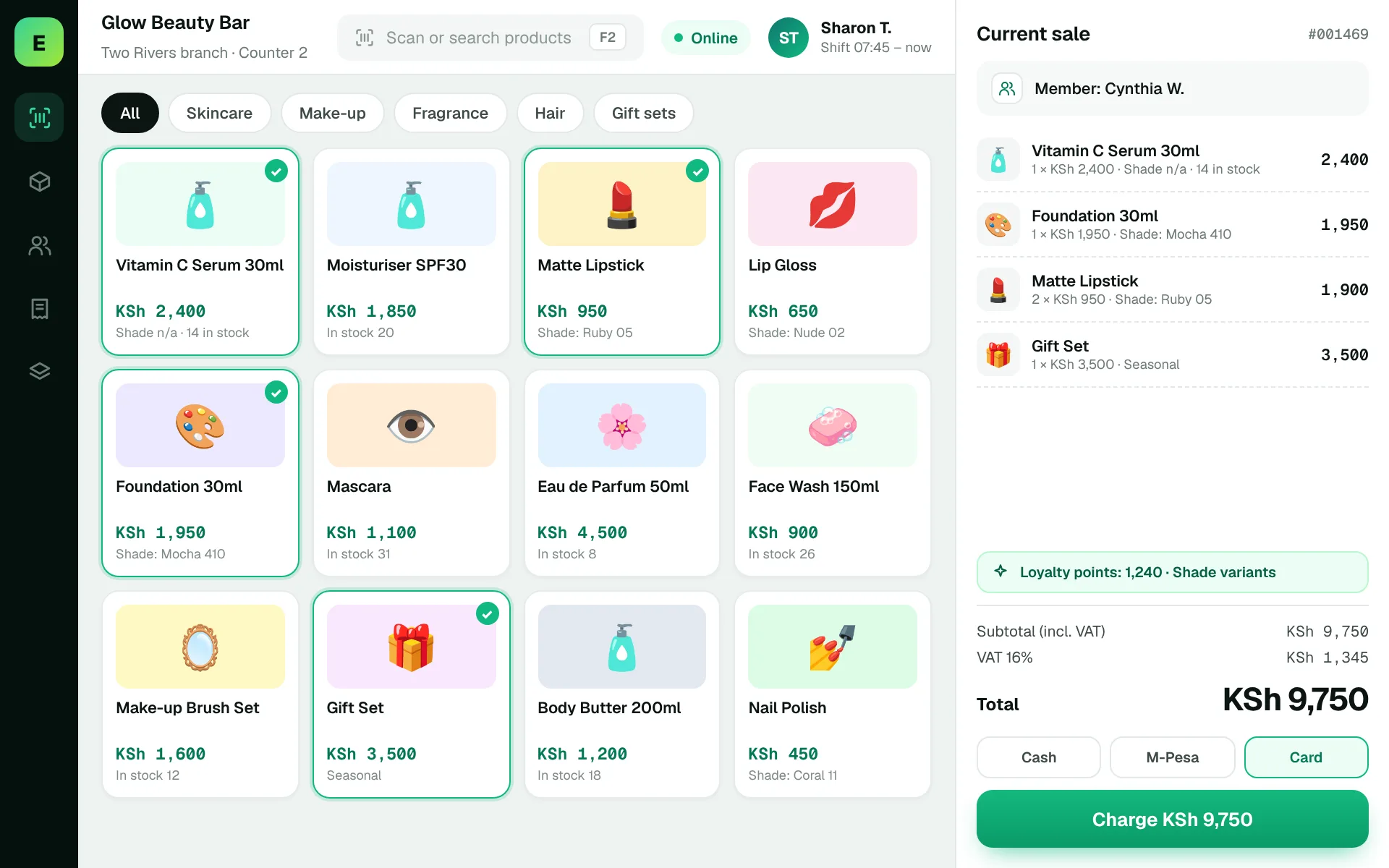
Use these to judge any software against the way your team really works.
Organise the same makeup line by shade, size and other useful attributes.
Evaluate gift sets, seasonal promotions and multi-buy pricing.
Identify categories where batch or expiry monitoring is necessary.
Use sell-through patterns to identify popular shades and products that move slowly.
One shade in a larger product family sells quickly while others remain. The owner needs variant-level visibility to replenish the right item.
Test this in a demoShare this checklist with your operations and finance teams, then ask any vendor to demonstrate each item.
Discuss your requirementsColour/shade variations
Barcode labels
Bundle pricing
Returns and damaged goods
Expiry requirements
Low-stock alerts by variant
Sales trends by brand
Straight answers to help you shortlist a system that matches your needs.
A stock total for a product line can hide shortages of individual shades or sizes.
Rules differ between vendors. Test bundles and promotional discounts before choosing software.
Verify expiry support with actual product batches where required.
Compare how other trades approach checkout, stock and reporting. All POS guides
Compare requirements, costs, invoicing, hardware and onboarding.
Read the guides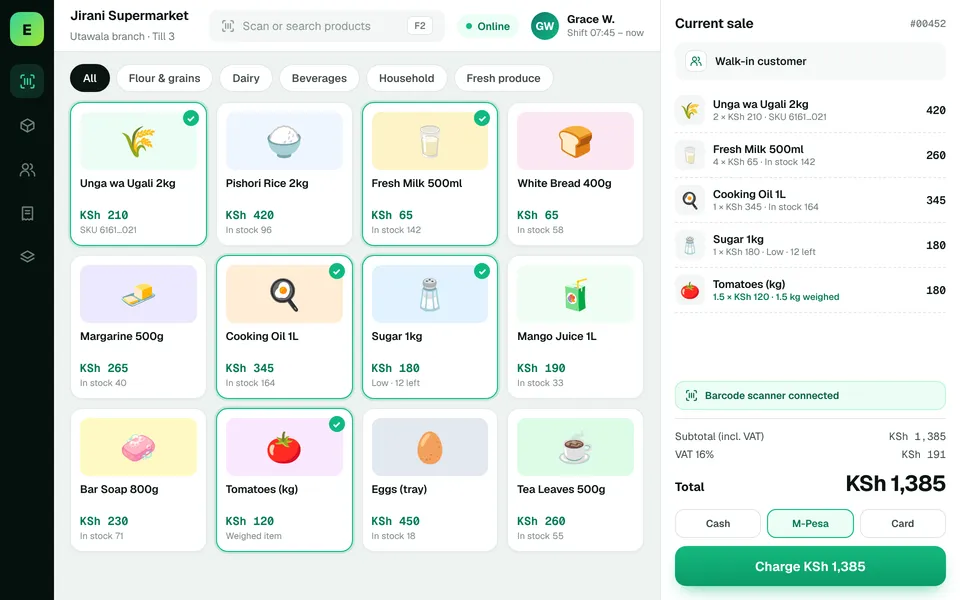 SupermarketsManage fast-moving products, daily checkout queues, replenishment and sales performance from a connected workspace.
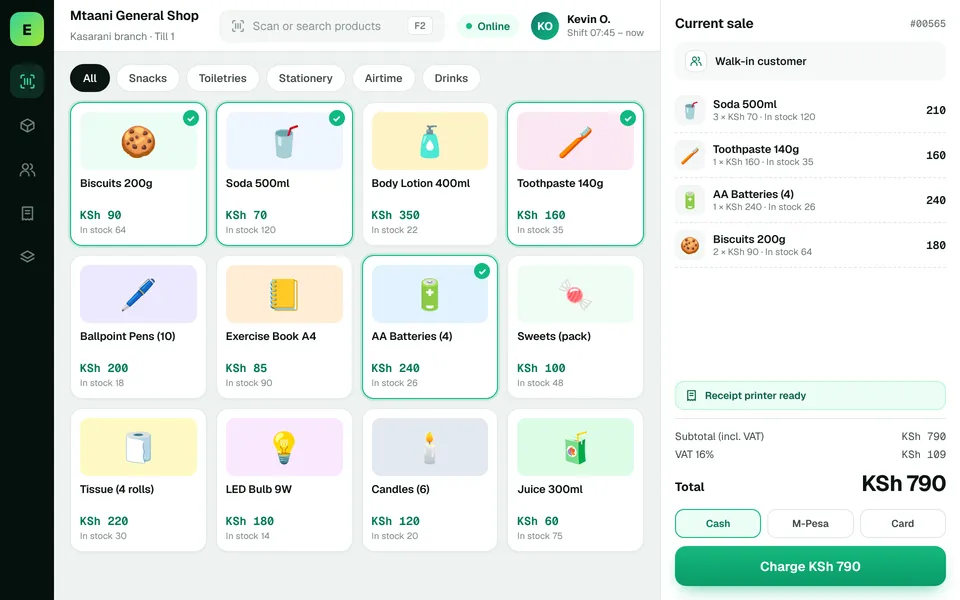 Retail ShopsKeep daily selling simple and track the product information your retail team depends on.
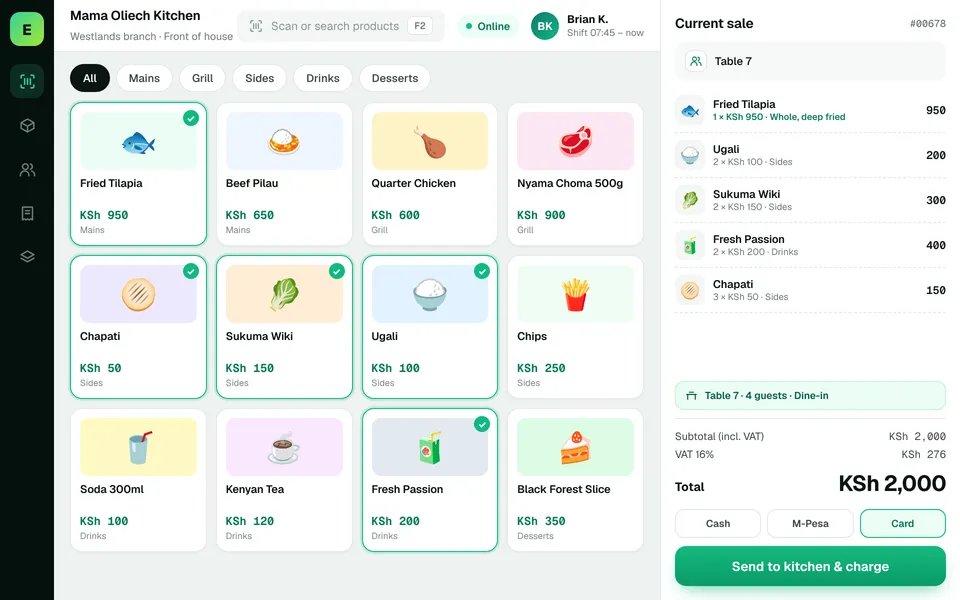 Restaurants & CafésSimplify daily sales recording and understand how your food-service business performs.
The examples on this page describe useful requirements for cosmetics shop software. Specialist capabilities, hardware compatibility, offline behaviour, M-Pesa integration and KRA eTIMS integration must be confirmed for your EUJIM POS deployment. See KRA's official integration guidance.
See EUJIM POS working with your own products, your supplier deliveries and your end-of-day routine. We'll put the quotation in writing.