ISBN and title searches
Identify books by ISBN, author, title or edition where relevant.

Get organised from shelf to sale.
Bookshops and stationery outlets need searchable catalogues, seasonal school demand and sensible controls for the many low-cost items sold every day.
Booksellers and stationery shops manage catalogues that can change throughout the term or year. A useful point of sale can make sales recording easier.
EUJIM POS provides a practical starting point for visibility into retail operations, with specialist catalogue requirements discussed during consultation.
Choosing a POS is about checking how it fits your operation, not comparing feature lists. Use the questions below when meeting a vendor or planning a pilot.
An example EUJIM POS sale set up for bookshops & stationery: industry products and units, the running cart, VAT and payment options in one screen.
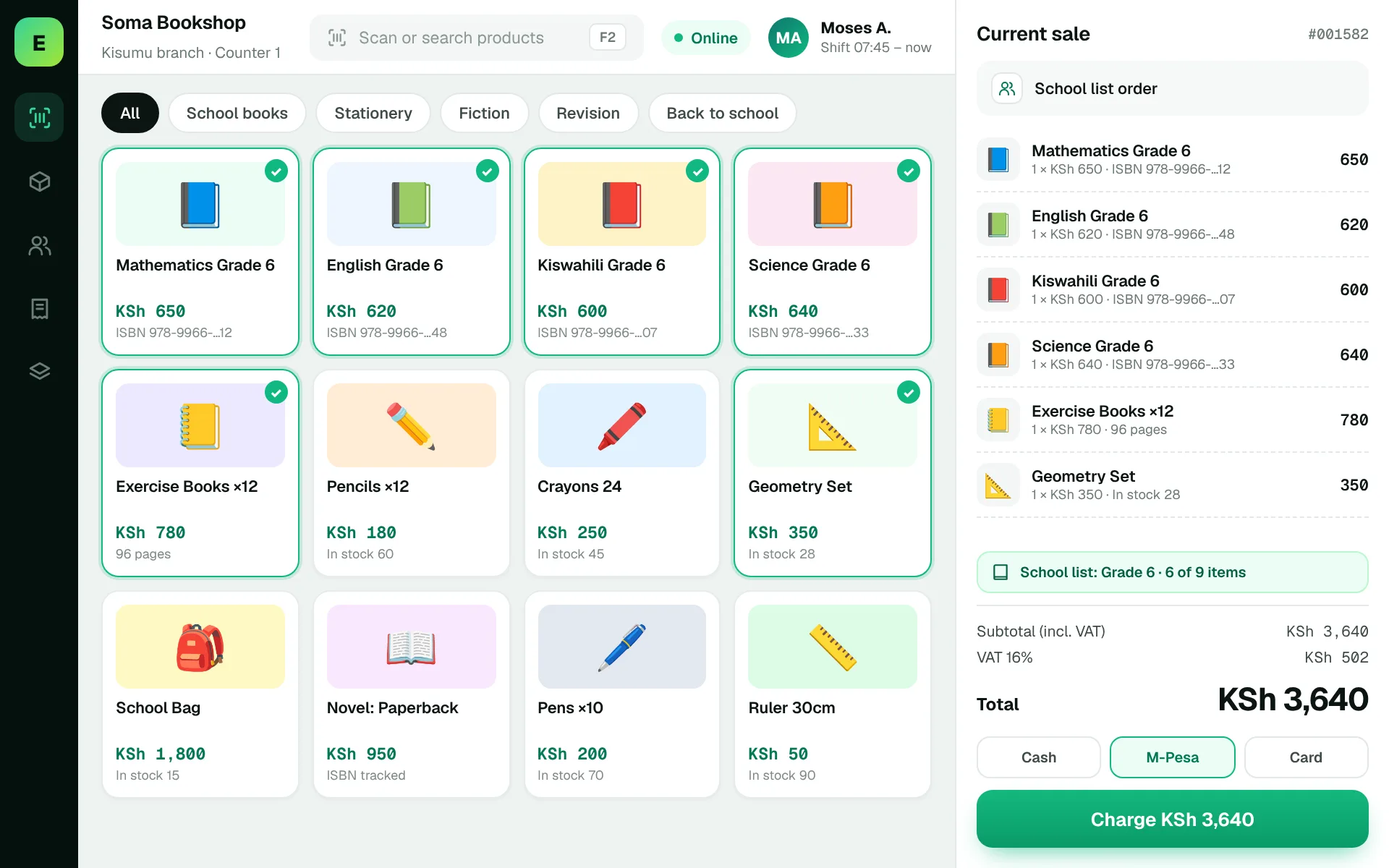
Use these to judge any software against the way your team really works.
Identify books by ISBN, author, title or edition where relevant.
Handle pieces, boxes and mixed packs with reliable quantity records.
Compare past demand and plan restocking before peak back-to-school periods.
Record textbook edition errors, returns and customer requests for out-of-stock titles.
A parent brings a list of books and stationery. Staff need to find exact editions, check availability and prepare one accurate receipt.
Test this in a demoShare this checklist with your operations and finance teams, then ask any vendor to demonstrate each item.
Discuss your requirementsISBN and edition identification
Fast catalogue lookup
Packs and single-item units
School-term inventory planning
Purchase order records
Returns and special requests
Cashier closing process
Straight answers to help you shortlist a system that matches your needs.
Some systems can treat ISBNs as identifiers, but the search and scanning workflow should be tested.
Use historical sales and advance supplier planning while checking availability by edition.
It can simplify large low-value catalogues and daily reconciliations when implemented correctly.
Compare how other trades approach checkout, stock and reporting. All POS guides
Compare requirements, costs, invoicing, hardware and onboarding.
Read the guides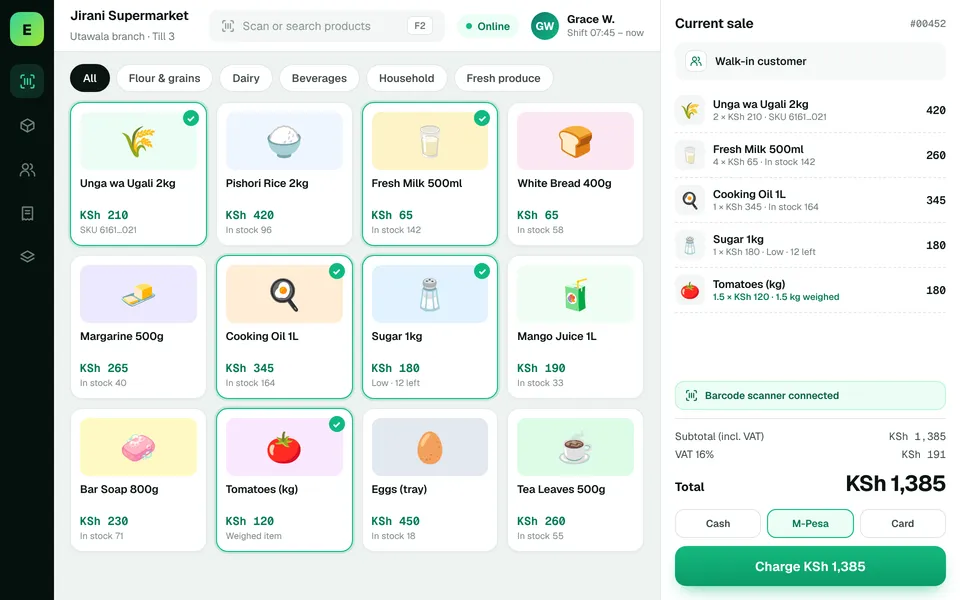 SupermarketsManage fast-moving products, daily checkout queues, replenishment and sales performance from a connected workspace.
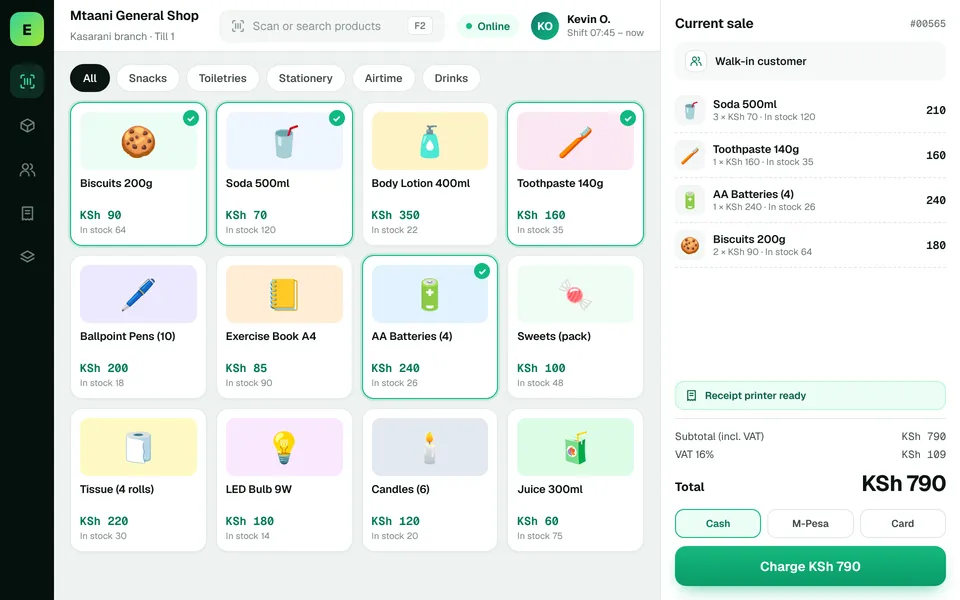 Retail ShopsKeep daily selling simple and track the product information your retail team depends on.
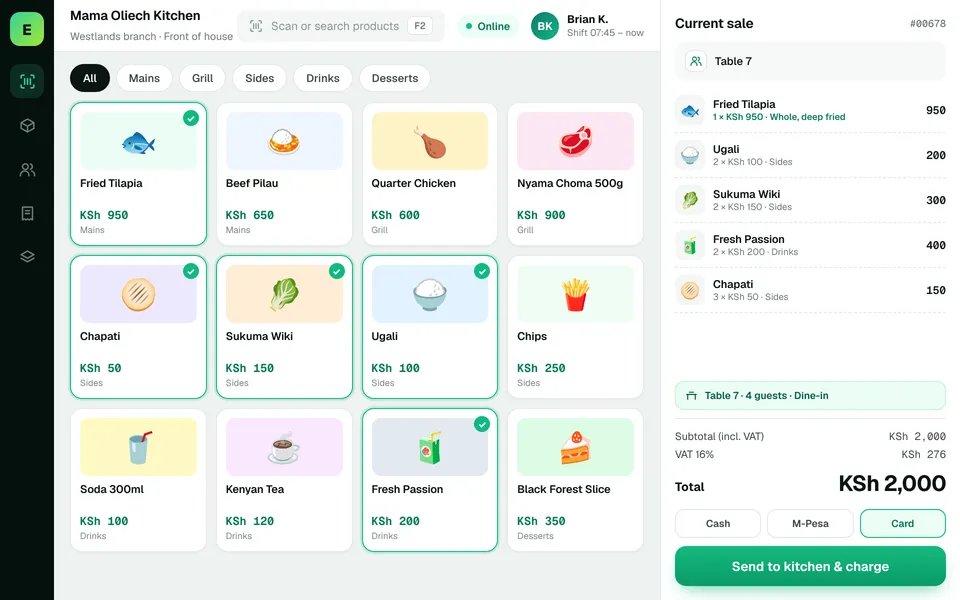 Restaurants & CafésSimplify daily sales recording and understand how your food-service business performs.
The examples on this page describe useful requirements for bookshop software. Specialist capabilities, hardware compatibility, offline behaviour, M-Pesa integration and KRA eTIMS integration must be confirmed for your EUJIM POS deployment. See KRA's official integration guidance.
See EUJIM POS working with your own products, your supplier deliveries and your end-of-day routine. We'll put the quotation in writing.