Product variations
Check how sizes, colours and variants are identified. A shirt in three sizes should not create confusing stock records.

Your shop deserves a sharper edge.
Retail shops need reliable transactions, prices and stock counts without burdensome back-office steps. The right setup should suit a single-counter boutique just as well as a growing multi-outlet store.
A busy retail shop needs fast service and accurate records. From individual purchases to end-of-day figures, keeping everything clear helps you serve customers confidently.
EUJIM POS puts the core retail workflow in one place so you can keep a close eye on what is moving and what needs attention.
Choosing a POS is about checking how it fits your operation, not comparing feature lists. Use the questions below when meeting a vendor or planning a pilot.
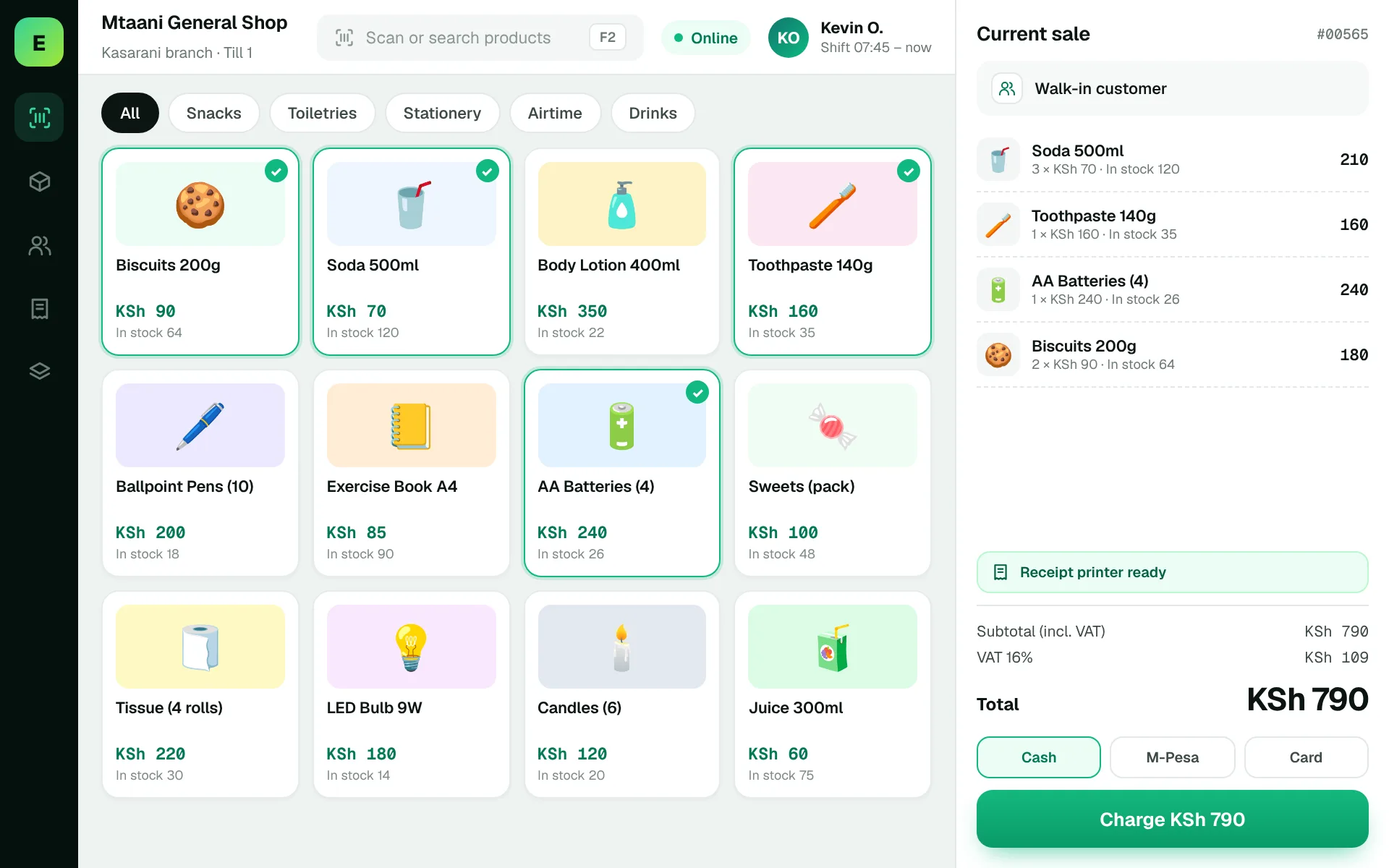
An example EUJIM POS sale set up for retail shops: industry products and units, the running cart, VAT and payment options in one screen.
Use these to judge any software against the way your team really works.
Check how sizes, colours and variants are identified. A shirt in three sizes should not create confusing stock records.
Reproduce a regular sale, a promotion and an exchange. Confirm the team can find the original transaction and record any price difference.
Plan partial stock counts, investigate discrepancies and compare fast-moving products with items that have sat on shelves too long.
Evaluate how quickly staff can locate an item, quote a price and produce a clear receipt.
A customer returns a medium shirt for a large one. The cashier needs to record both the returned and issued sizes, and the owner needs stock totals to remain accurate.
Test this in a demoShare this checklist with your operations and finance teams, then ask any vendor to demonstrate each item.
Discuss your requirementsSizes and colour variations
Simple cashier permissions
Refund and exchange tracking
Stock count and adjustments
Daily revenue by sales channel
Fast product search
Exportable sales and stock reports
Straight answers to help you shortlist a system that matches your needs.
It can be useful when manual records make stock and cash reconciliation difficult. Compare implementation effort and recurring costs with the time saved.
Ask to import a sample catalogue with variants, units and categories and verify the resulting checkout experience.
User permissions vary by system; request a demo of cashier and manager roles.
Compare how other trades approach checkout, stock and reporting. All POS guides
Compare requirements, costs, invoicing, hardware and onboarding.
Read the guides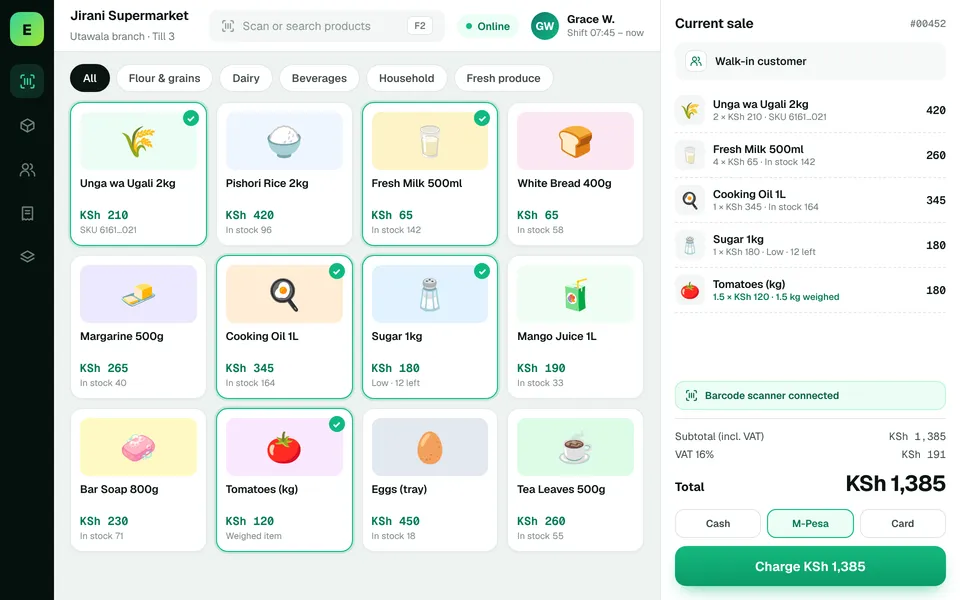 SupermarketsManage fast-moving products, daily checkout queues, replenishment and sales performance from a connected workspace.
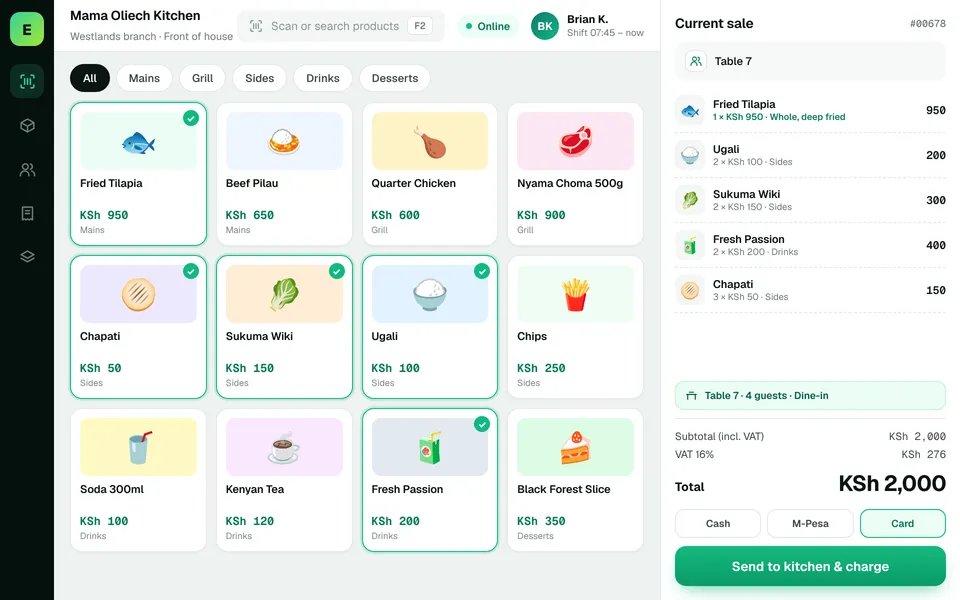 Restaurants & CafésSimplify daily sales recording and understand how your food-service business performs.
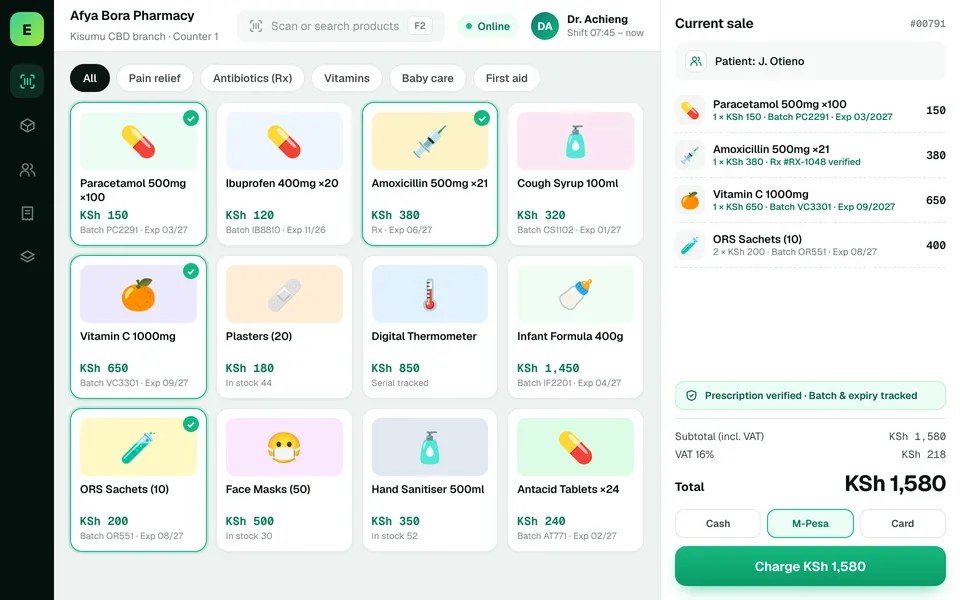 PharmaciesStay informed about pharmacy product movement, purchasing activity and daily business results.
The examples on this page describe useful requirements for retail shop software. Specialist capabilities, hardware compatibility, offline behaviour, M-Pesa integration and KRA eTIMS integration must be confirmed for your EUJIM POS deployment. See KRA's official integration guidance.
See EUJIM POS working with your own products, your supplier deliveries and your end-of-day routine. We'll put the quotation in writing.