Fast counter sales
Test barcode scanning, quick product lookup and a simple receipt flow for customers buying a few everyday items.

Fast sales. Clear stock. Smarter convenience retail.
Convenience stores win on speed and reliability. A good POS should make quick basket sales easy while still helping the owner follow stock levels, margins and replenishment needs.
Convenience stores handle frequent small basket purchases and depend on quick service. A useful POS should support fast item lookup, barcode scanning and clear visibility into fast-moving stock.
EUJIM POS helps store owners manage daily selling, monitor stock movement and review basic business performance while planning the next replenishment.
Choosing a POS is about checking how it fits your operation, not comparing feature lists. Use the questions below when meeting a vendor or planning a pilot.
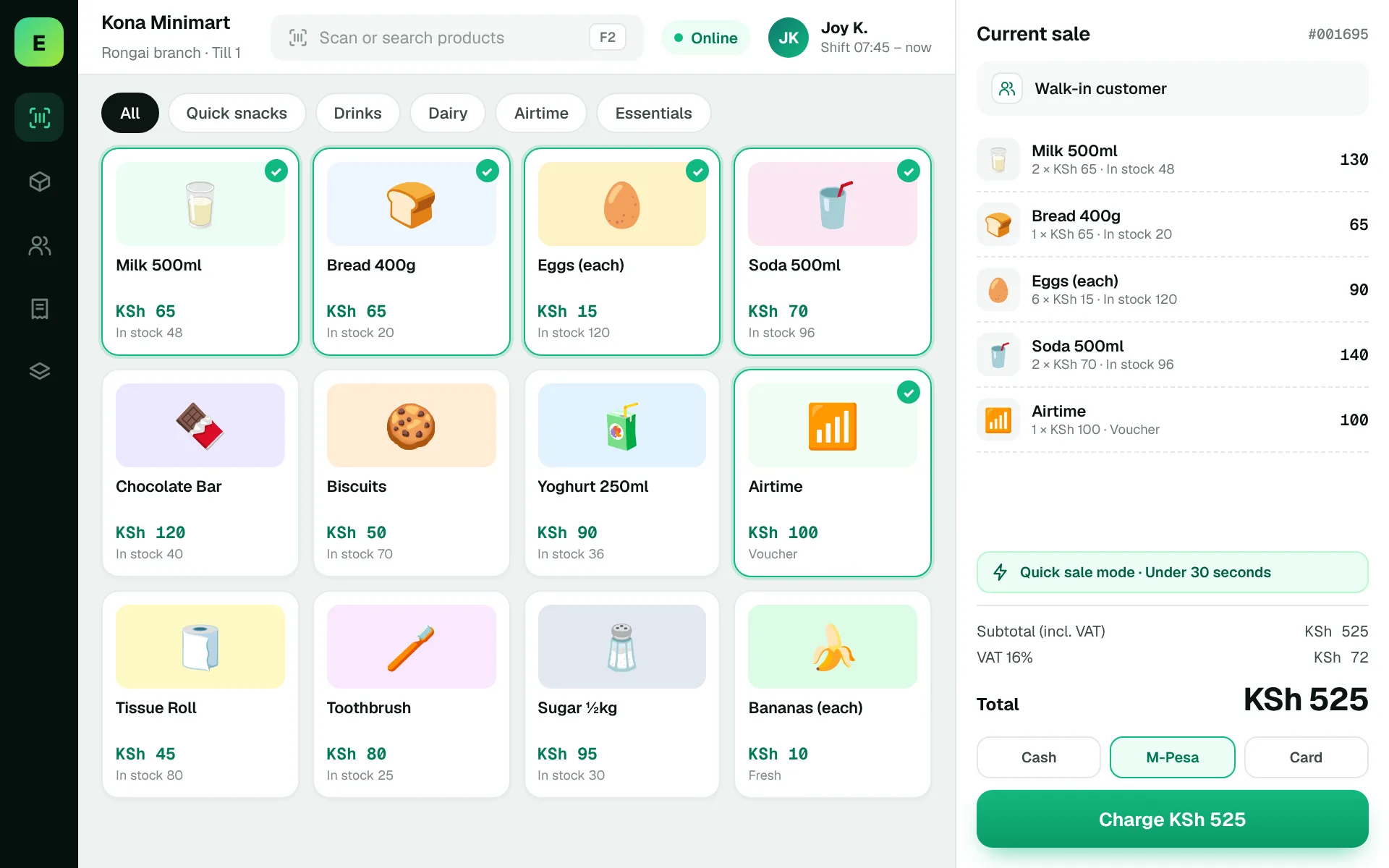
An example EUJIM POS sale set up for minimarts & convenience stores: industry products and units, the running cart, VAT and payment options in one screen.
Use these to judge any software against the way your team really works.
Test barcode scanning, quick product lookup and a simple receipt flow for customers buying a few everyday items.
Track fast-moving essentials and confirm whether staff can identify low stock before items disappear from shelves.
Compare recorded sales with cash and other payment methods to ensure the store closes with confidence.
Review price changes for frequently purchased goods and confirm how the team handles simple promotions.
Three customers arrive with small baskets at the same time. Ask the vendor to demonstrate a fast checkout flow and show how the sale affects stock balances.
Test this in a demoShare this checklist with your operations and finance teams, then ask any vendor to demonstrate each item.
Discuss your requirementsBarcode scanning speed
Fast item search
Low-stock alerts for key products
Daily cashier closing process
Simple discount handling
Purchase receiving workflow
Clear sales summaries
Straight answers to help you shortlist a system that matches your needs.
Checkout speed, product visibility and a manageable day-end process usually matter most.
Often yes, but the workflow may be lighter. Compare the effort required for setup and daily use.
Use a real basket, simulate a busy period and review the resulting stock and sales records.
Compare how other trades approach checkout, stock and reporting. All POS guides
Compare requirements, costs, invoicing, hardware and onboarding.
Read the guides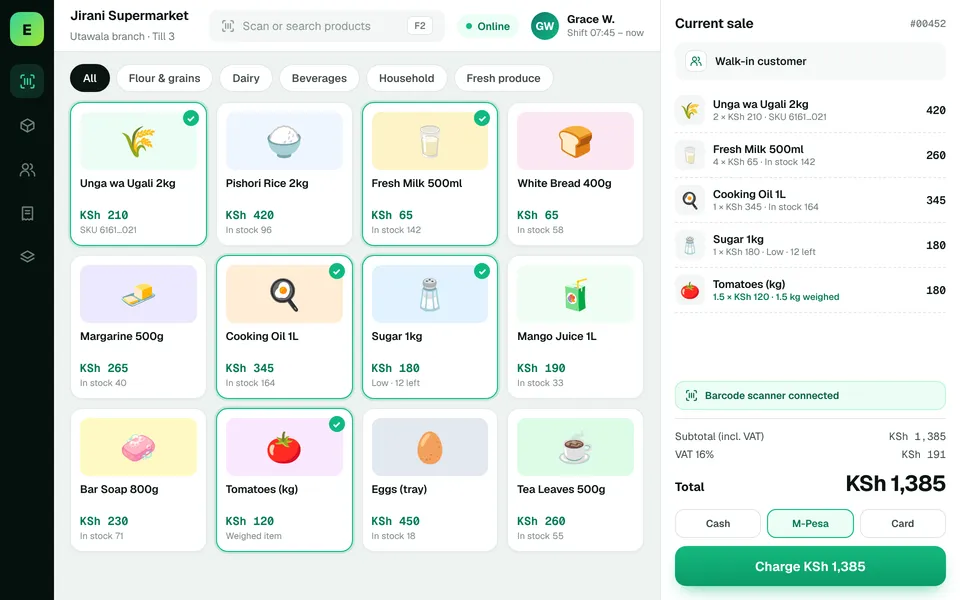 SupermarketsManage fast-moving products, daily checkout queues, replenishment and sales performance from a connected workspace.
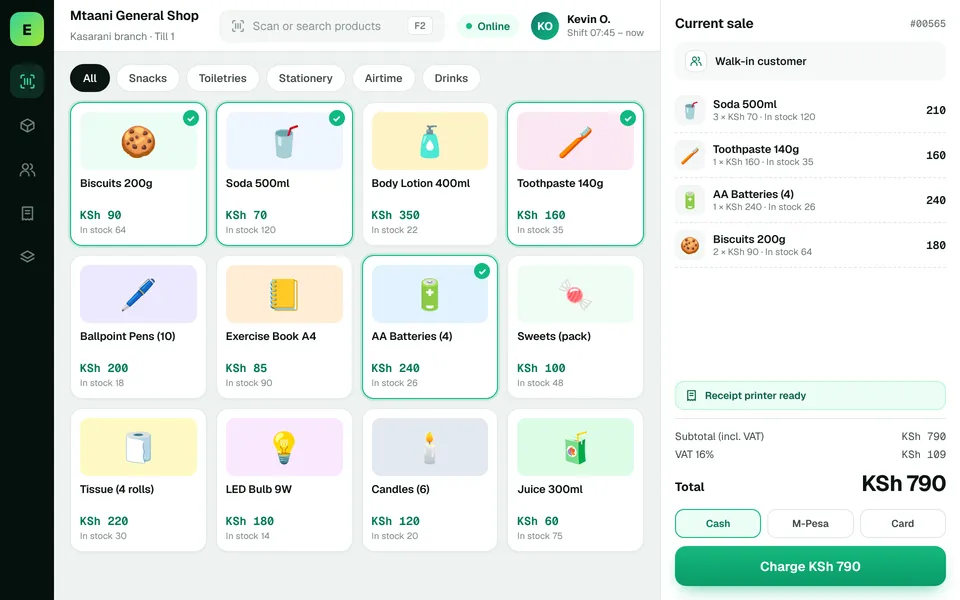 Retail ShopsKeep daily selling simple and track the product information your retail team depends on.
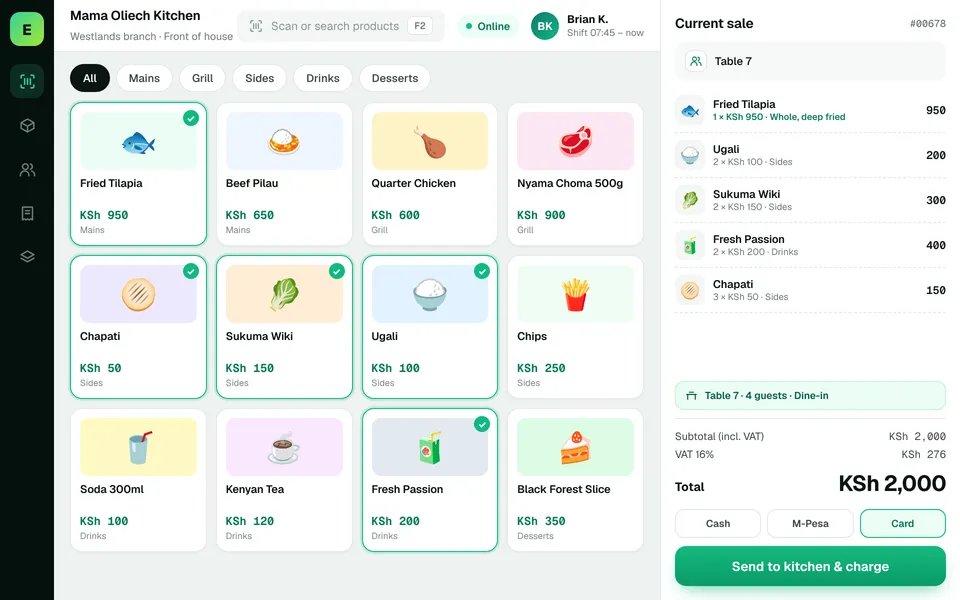 Restaurants & CafésSimplify daily sales recording and understand how your food-service business performs.
The examples on this page describe useful requirements for convenience store software. Specialist capabilities, hardware compatibility, offline behaviour, M-Pesa integration and KRA eTIMS integration must be confirmed for your EUJIM POS deployment. See KRA's official integration guidance.
See EUJIM POS working with your own products, your supplier deliveries and your end-of-day routine. We'll put the quotation in writing.