Material quantities and units
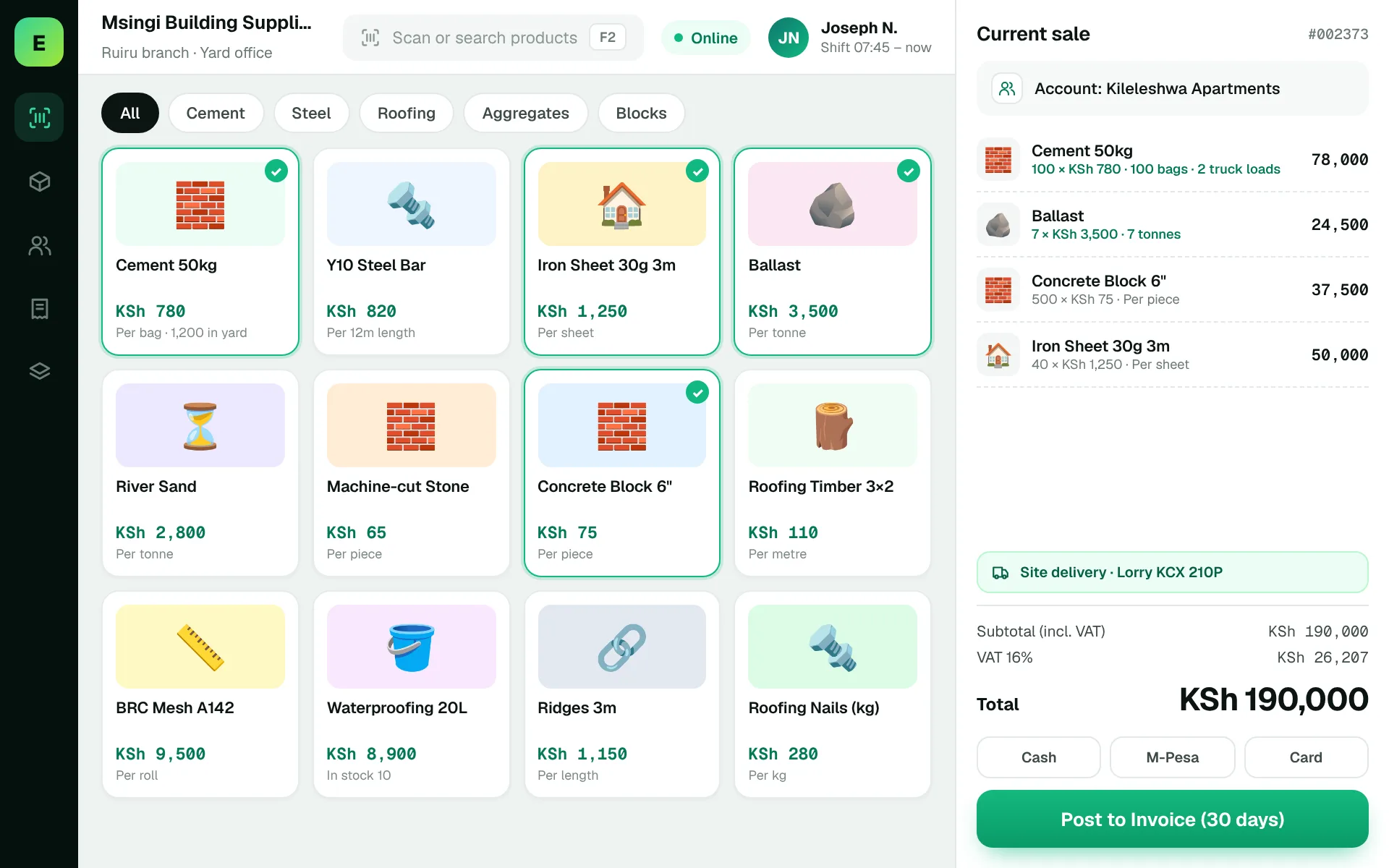
Test sand, ballast, cement, timber and steel using the exact units sold by your business.

Build a stronger operation.
Building material suppliers often handle bulky products, varying units, customer quotations and delivery coordination. A clear order-to-delivery workflow can be more important than a visually elaborate till.
Building-material suppliers manage sizeable inventories and product movement that need clear records. Accurate transaction records support operations when orders get busy.
Ask about unit-based selling and delivery requirements during a tailored demo.
Choosing a POS is about checking how it fits your operation, not comparing feature lists. Use the questions below when meeting a vendor or planning a pilot.
An example EUJIM POS sale set up for building materials suppliers: industry products and units, the running cart, VAT and payment options in one screen.
Use these to judge any software against the way your team really works.
Test sand, ballast, cement, timber and steel using the exact units sold by your business.
Follow a contractor quote through revisions, approvals and payment.
Record what was ordered, what was sent and what remains outstanding.
Understand buying costs, margins and the process for updating prices.
A contractor orders a mixed load, but some materials will arrive tomorrow. The staff need an unambiguous record of delivered versus outstanding quantities.
Test this in a demoShare this checklist with your operations and finance teams, then ask any vendor to demonstrate each item.
Discuss your requirementsMaterial units and conversions
Quotation generation
Partial deliveries
Transport or dispatch notes
Customer accounts
Pricing and margins
Stock by yard or depot
Straight answers to help you shortlist a system that matches your needs.
Small yards may prioritise sales and stock; complex delivery, procurement and customer-credit workflows may require broader ERP functionality.
Only if its item-unit configuration supports that workflow. Verify during a demo.
Define fulfilment, dispatch, delivery evidence and invoicing as a connected process.
Compare how other trades approach checkout, stock and reporting. All POS guides
Compare requirements, costs, invoicing, hardware and onboarding.
Read the guides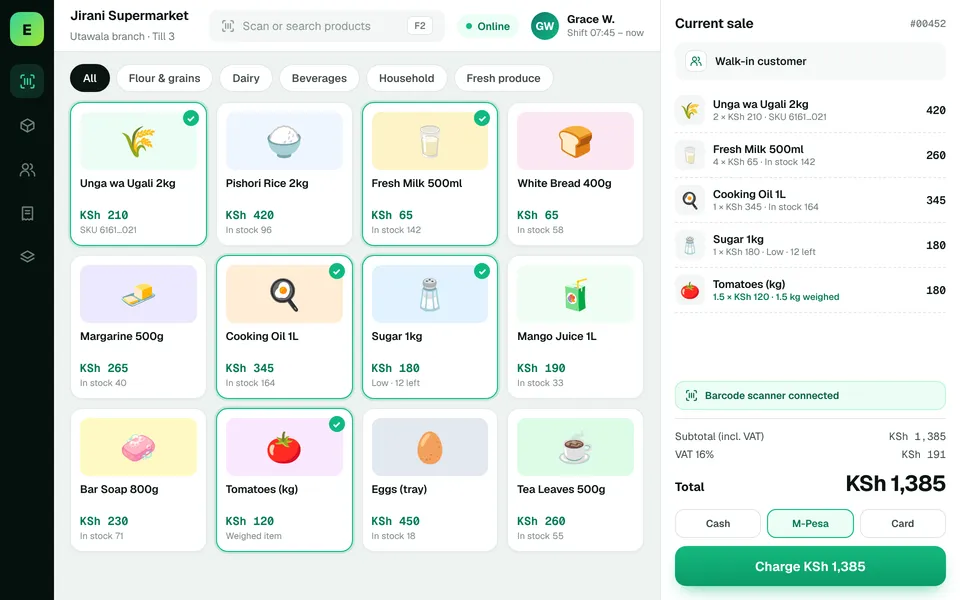 SupermarketsManage fast-moving products, daily checkout queues, replenishment and sales performance from a connected workspace.
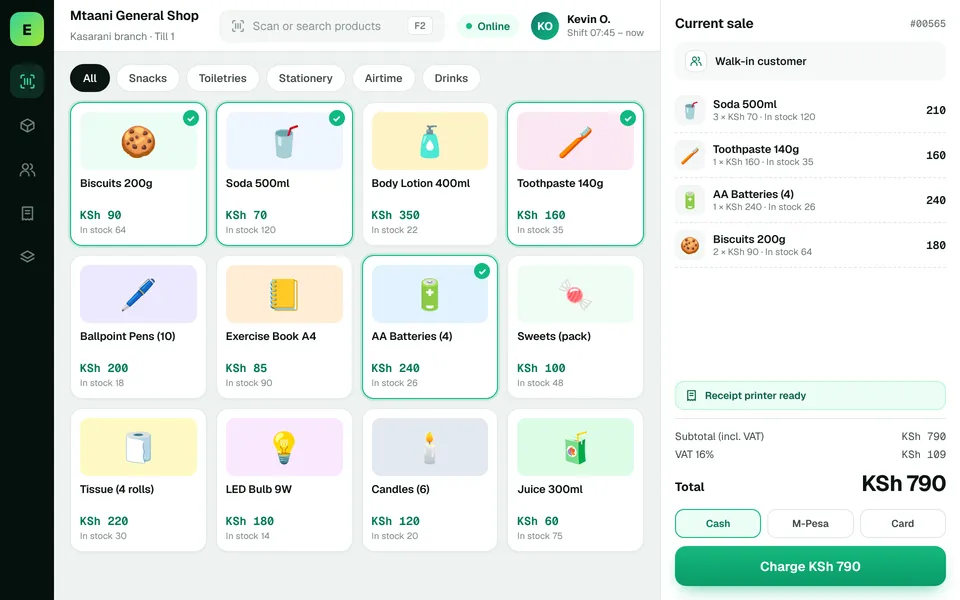 Retail ShopsKeep daily selling simple and track the product information your retail team depends on.
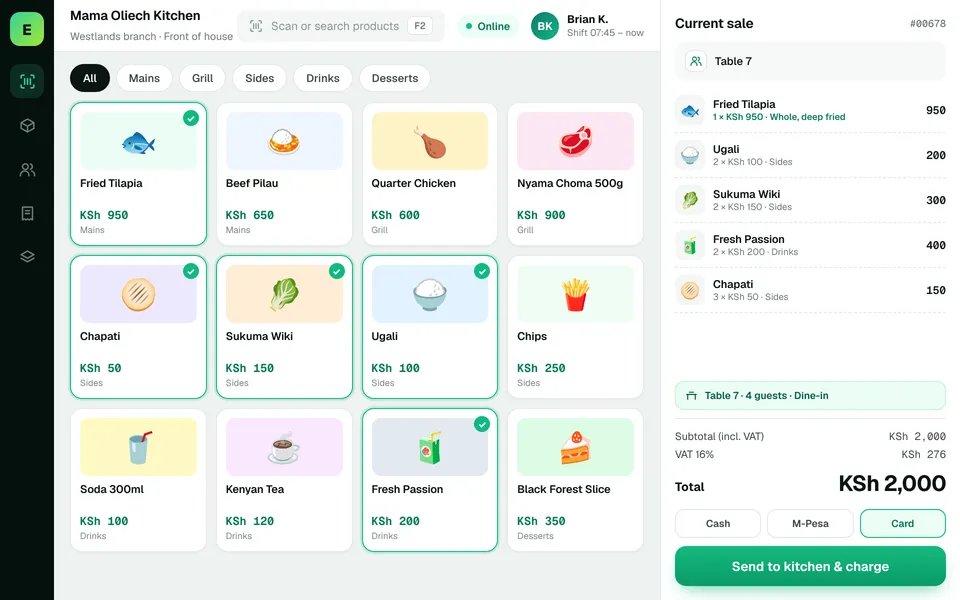 Restaurants & CafésSimplify daily sales recording and understand how your food-service business performs.
The examples on this page describe useful requirements for building materials software. Specialist capabilities, hardware compatibility, offline behaviour, M-Pesa integration and KRA eTIMS integration must be confirmed for your EUJIM POS deployment. See KRA's official integration guidance.
See EUJIM POS working with your own products, your supplier deliveries and your end-of-day routine. We'll put the quotation in writing.