Checkout during rush hours
Test barcode lookups, weighted goods, discounts, returns and receipt printing with a representative basket. Observe what the cashier must do when an item has no barcode.

Make every aisle work smarter.
A supermarket POS needs to keep queues moving without losing sight of replenishment, cashier accountability and margins. This guide explains what to assess before changing from a manual till or an ageing system.
Supermarket operations are a constant balancing act between speed at checkout and keeping the right products on your shelves. A useful POS needs to bring both sides of the business together.
EUJIM POS helps teams organise product sales, review purchasing activity and understand location-level business performance. Whether you manage a neighbourhood supermarket or several outlets, start with a clear operational picture.
Choosing a POS is about checking how it fits your operation, not comparing feature lists. Use the questions below when meeting a vendor or planning a pilot.
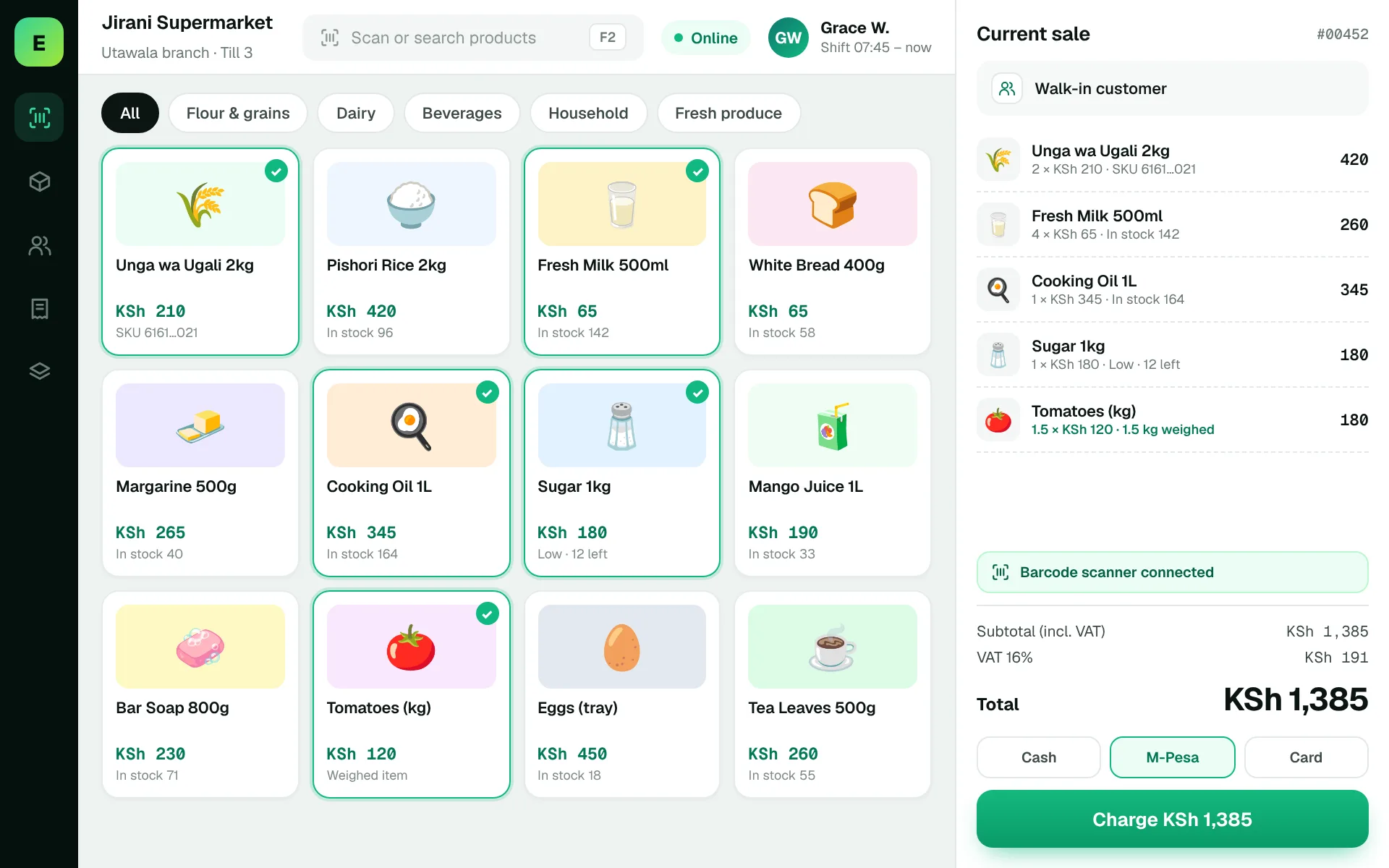
An example EUJIM POS sale set up for supermarkets: industry products and units, the running cart, VAT and payment options in one screen.
Use these to judge any software against the way your team really works.
Test barcode lookups, weighted goods, discounts, returns and receipt printing with a representative basket. Observe what the cashier must do when an item has no barcode.
Follow one delivery from supplier paperwork into received quantity, purchase cost and shelf availability. Clarify how the team handles damaged goods and price changes.
Compare cashier totals with recorded sales, refunds and the expected payment mix. Investigate stock differences with controlled adjustments rather than silently changing figures.
Ask whether outlet prices, staff permissions, stock positions and management reports can be separated by location while still supporting central oversight.
A customer has a basket of 30 products, including a price-change item and a returned item. The cashier needs a clear process; the supervisor needs an audit trail. During the demo, ask the vendor to process this exact sequence and show the resulting stock and sales report.
Test this in a demoShare this checklist with your operations and finance teams, then ask any vendor to demonstrate each item.
Discuss your requirementsBarcode scanning and product lookup tested with your real catalogue
Discount, refund and supervisor-approval rules
Purchase receiving and supplier records
Till closing by cashier and payment channel
Low-stock thresholds and reorder procedures
Role permissions, backup and recovery process
Hardware compatibility and onboarding costs
Straight answers to help you shortlist a system that matches your needs.
At minimum, it should support accurate checkout, a usable product catalogue, stock movement, purchasing records and daily reporting. Additional needs depend on the size and operating model.
Many systems support multi-location reporting, but permissions, inventory separation and inter-branch transfers differ. Ask for a live demonstration of your precise workflow.
Compatibility depends on specific hardware, drivers and the deployment approach. Test the exact scale, scanner and printer before purchase.
Compare how other trades approach checkout, stock and reporting. All POS guides
Compare requirements, costs, invoicing, hardware and onboarding.
Read the guides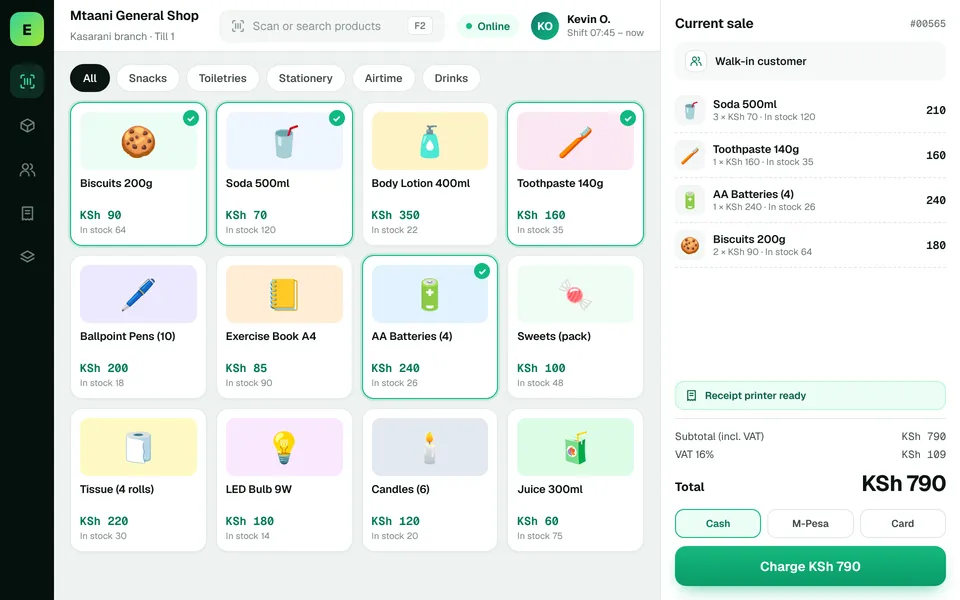 Retail ShopsKeep daily selling simple and track the product information your retail team depends on.
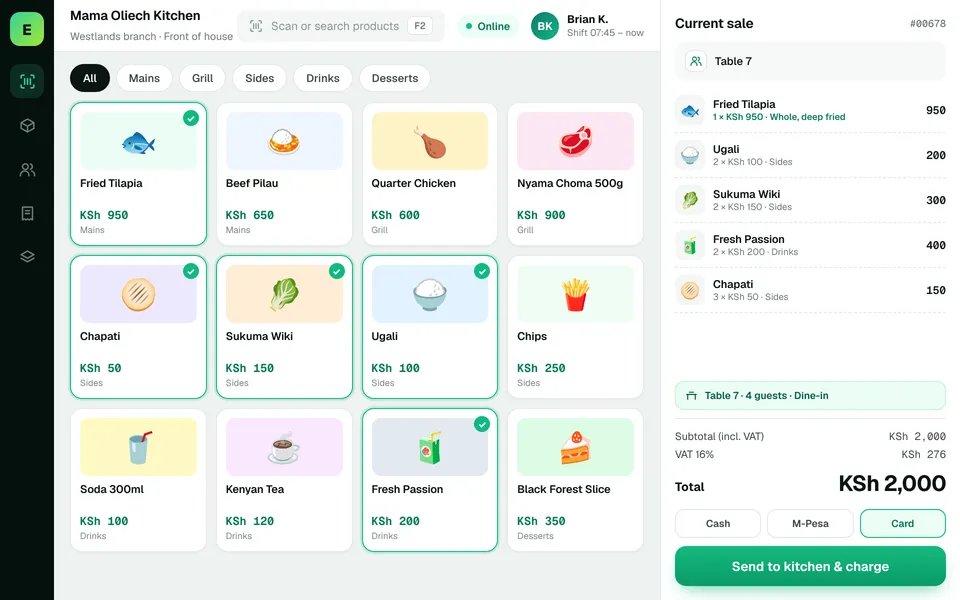 Restaurants & CafésSimplify daily sales recording and understand how your food-service business performs.
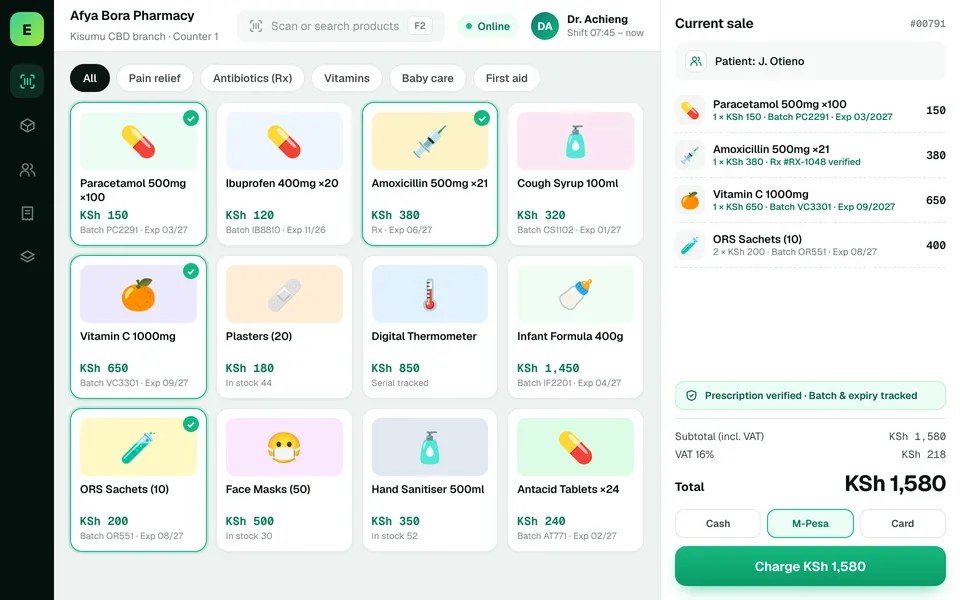 PharmaciesStay informed about pharmacy product movement, purchasing activity and daily business results.
The examples on this page describe useful requirements for supermarket software. Specialist capabilities, hardware compatibility, offline behaviour, M-Pesa integration and KRA eTIMS integration must be confirmed for your EUJIM POS deployment. See KRA's official integration guidance.
See EUJIM POS working with your own products, your supplier deliveries and your end-of-day routine. We'll put the quotation in writing.