Bottle-size variations
Confirm how the same brand is handled in quarter, half and full-bottle formats.

Keep every bottle accounted for.
Wines and spirits shops need to track product movement across brands, bottle sizes and changing purchase costs. Clear daily sales and stock visibility can protect margins.
Wines and spirits retailers manage frequent sales, changing purchase costs and a catalogue with many bottle sizes and brands. Clear transaction records and stock tracking support better decisions.
Use EUJIM POS to record sales, monitor stock levels and improve business visibility while discussing any specialised controls with our team.
Choosing a POS is about checking how it fits your operation, not comparing feature lists. Use the questions below when meeting a vendor or planning a pilot.
An example EUJIM POS sale set up for wines & spirits shops: industry products and units, the running cart, VAT and payment options in one screen.
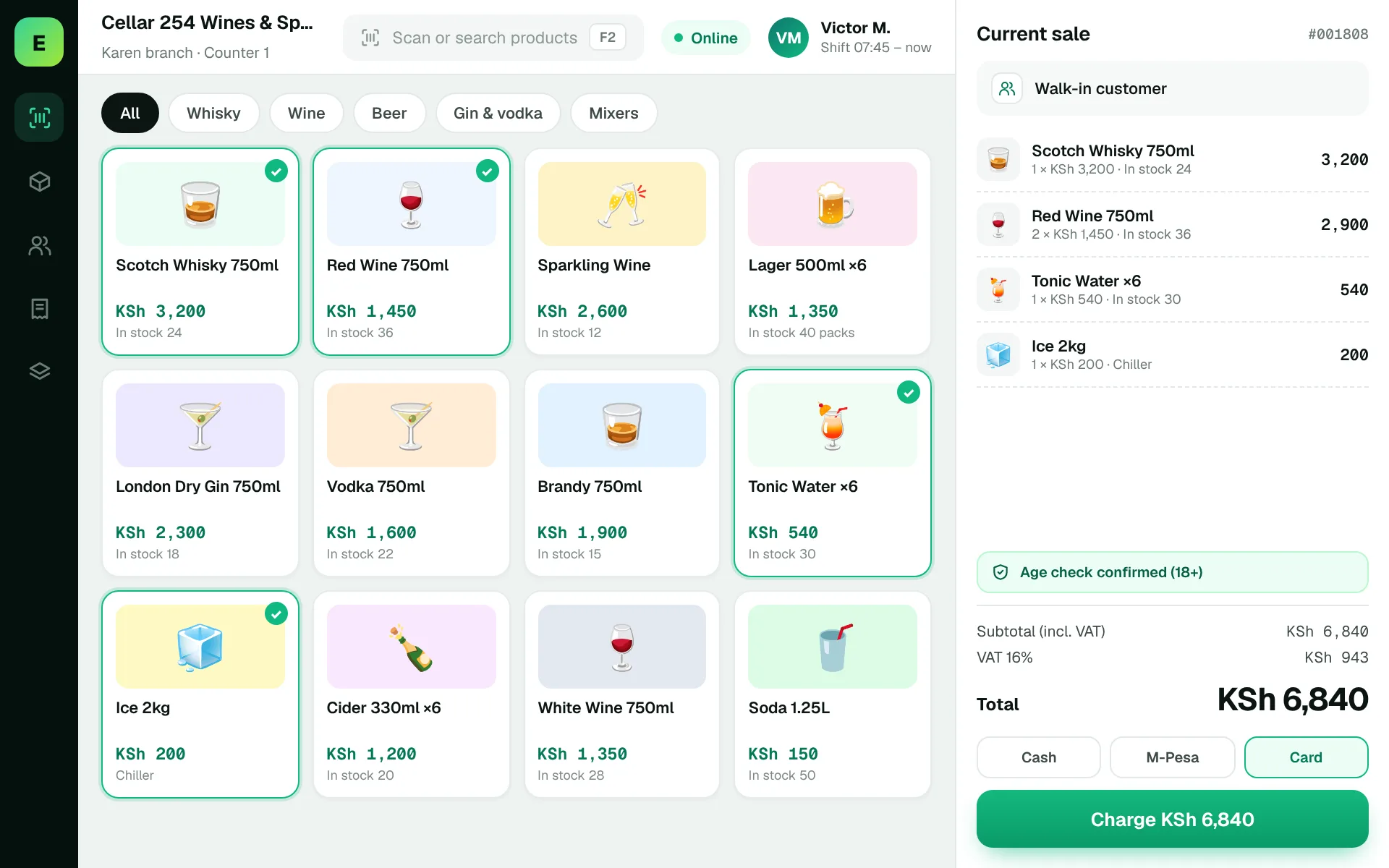
Use these to judge any software against the way your team really works.
Confirm how the same brand is handled in quarter, half and full-bottle formats.
Review how the team updates prices and promotions when supplier costs change.
Test fast checkout for repeated bottle sales and accessory items.
Follow stock levels for bestsellers and evaluate reorder decisions.
Customers are buying different bottle sizes and mixers. The store needs quick checkout while keeping product counts accurate.
Test this in a demoShare this checklist with your operations and finance teams, then ask any vendor to demonstrate each item.
Discuss your requirementsBottle-size and brand records
Promotion handling
Fast checkout workflow
Supplier purchase records
Stock count process
Daily sales report
Audit trail for price changes
Straight answers to help you shortlist a system that matches your needs.
It should be able to if products are configured properly. Test this with real examples.
Busy drinks shops can process many transactions quickly, so owners need a clear end-of-day view.
Yes. Selling price changes and supplier costs directly affect profitability.
Compare how other trades approach checkout, stock and reporting. All POS guides
Compare requirements, costs, invoicing, hardware and onboarding.
Read the guides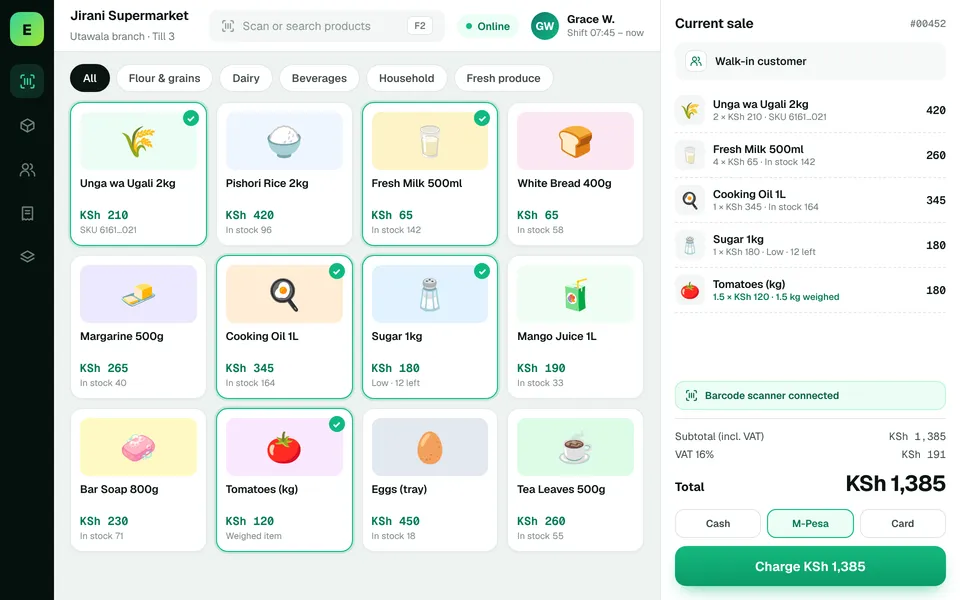 SupermarketsManage fast-moving products, daily checkout queues, replenishment and sales performance from a connected workspace.
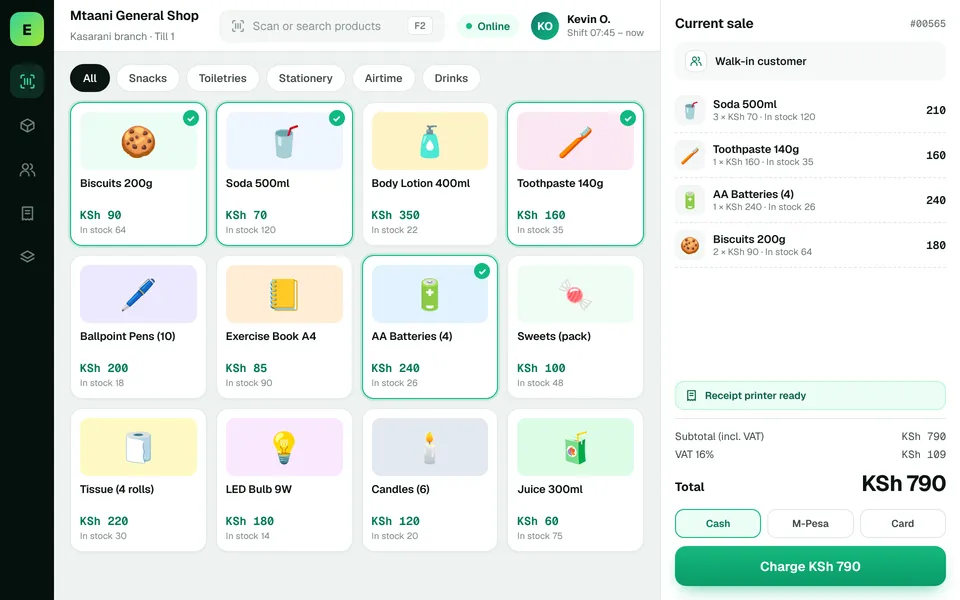 Retail ShopsKeep daily selling simple and track the product information your retail team depends on.
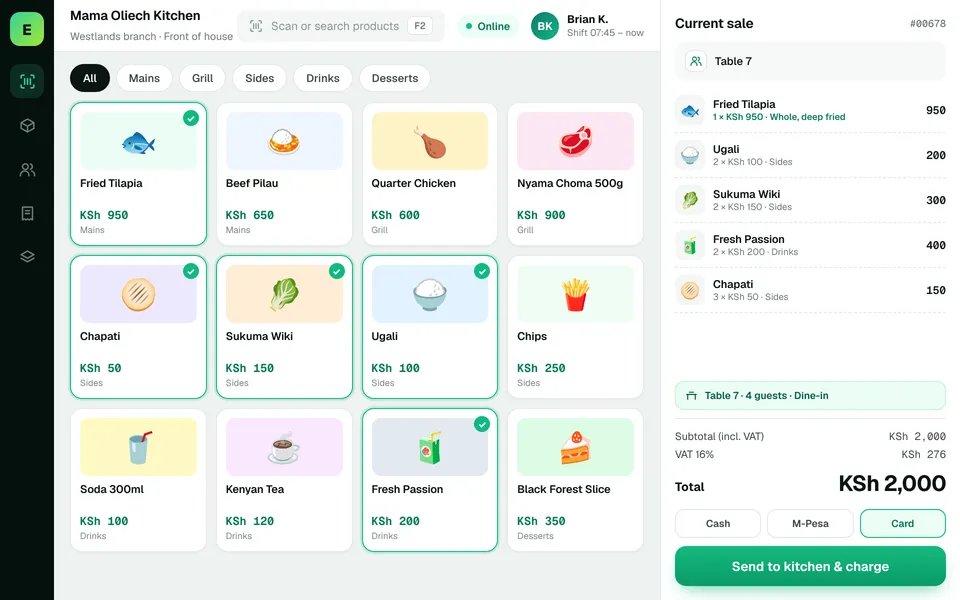 Restaurants & CafésSimplify daily sales recording and understand how your food-service business performs.
The examples on this page describe useful requirements for wines & spirits software. Specialist capabilities, hardware compatibility, offline behaviour, M-Pesa integration and KRA eTIMS integration must be confirmed for your EUJIM POS deployment. See KRA's official integration guidance.
See EUJIM POS working with your own products, your supplier deliveries and your end-of-day routine. We'll put the quotation in writing.