Order taking
Demonstrate dine-in, takeaway and delivery orders with menu modifiers and notes, where required.

Keep service moving. Keep control.
Food service differs from ordinary retail: speed, menu customisation, kitchen coordination, split payments and ingredient control may all matter. Define which of these workflows you actually need before comparing vendors.
Restaurant teams need accuracy even when the counter is busy. Whether you run a café, takeaway or restaurant, sales visibility and purchasing records support better daily decisions.
Talk to the EUJIM POS team about your actual ordering, payment and service needs so we can confirm a suitable workflow.
Choosing a POS is about checking how it fits your operation, not comparing feature lists. Use the questions below when meeting a vendor or planning a pilot.
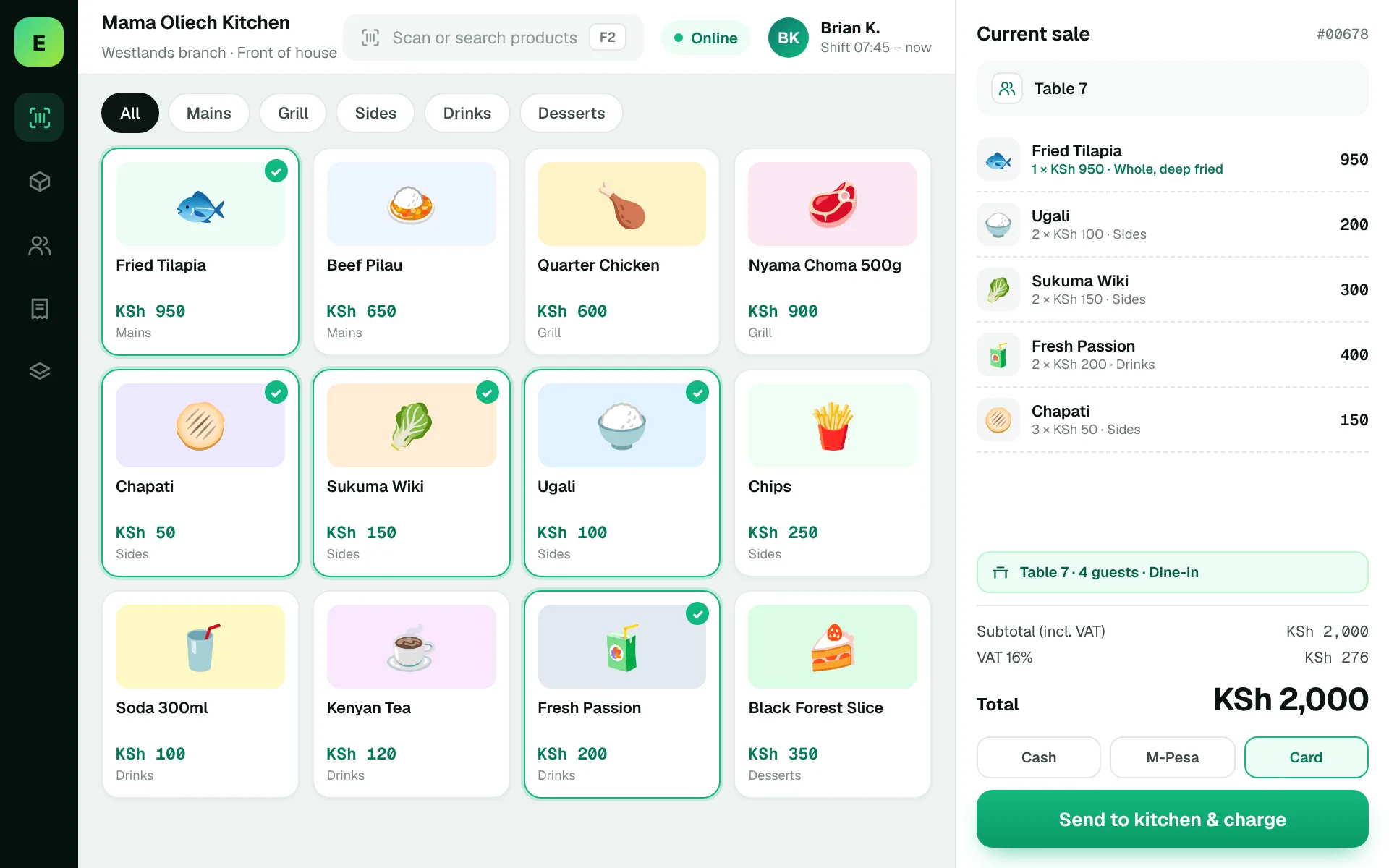
An example EUJIM POS sale set up for restaurants & cafés: industry products and units, the running cart, VAT and payment options in one screen.
Use these to judge any software against the way your team really works.
Demonstrate dine-in, takeaway and delivery orders with menu modifiers and notes, where required.
Check whether printed tickets or kitchen displays are needed, and how cancelled or amended items reach the preparation team.
Test split bills, partial payments, tips and refunds. Confirm who can void a transaction and whether voids are auditable.
Separate retail-style product stock from recipe-based stock deductions. Ask explicitly whether ingredient-level stock is supported.
Four guests order lunch. One changes a meal after the kitchen has begun preparation and the group asks to split the bill. Request a real end-to-end demonstration rather than a static screen.
Test this in a demoShare this checklist with your operations and finance teams, then ask any vendor to demonstrate each item.
Discuss your requirementsDine-in versus takeaway workflows
Menu modifiers and combinations
Kitchen ticket/display requirements
Split payments and tips
Void approval and audit trail
Ingredient-level stock requirements
Printer and network resilience
Straight answers to help you shortlist a system that matches your needs.
Often yes. Ordering, kitchen flow, table handling and recipes can introduce requirements beyond normal sales and inventory.
Please request a walkthrough; this page does not claim the feature is currently available.
A lighter checkout workflow may be sufficient for cafés or takeaway counters. Evaluate your ordering and receipt process.
Compare how other trades approach checkout, stock and reporting. All POS guides
Compare requirements, costs, invoicing, hardware and onboarding.
Read the guides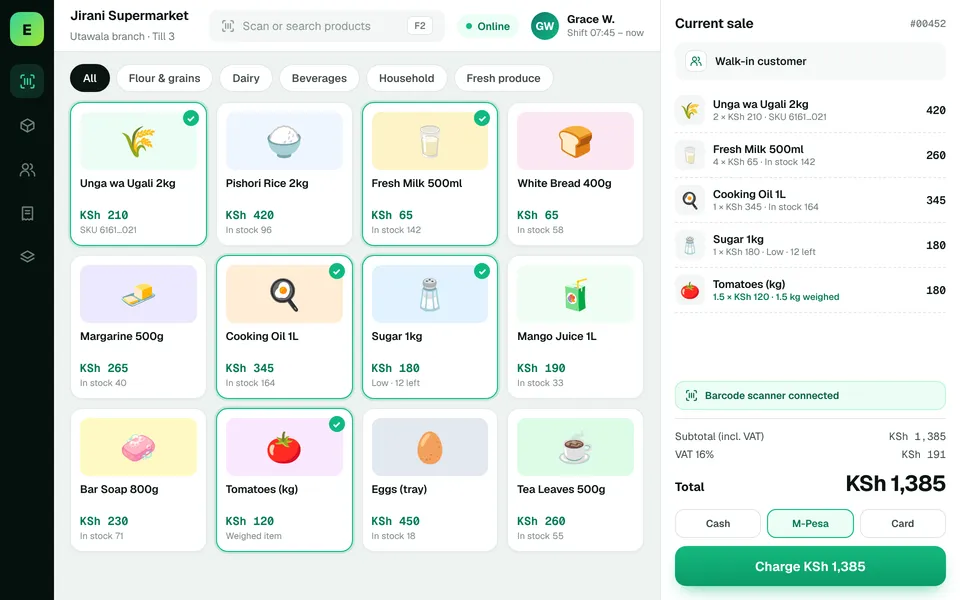 SupermarketsManage fast-moving products, daily checkout queues, replenishment and sales performance from a connected workspace.
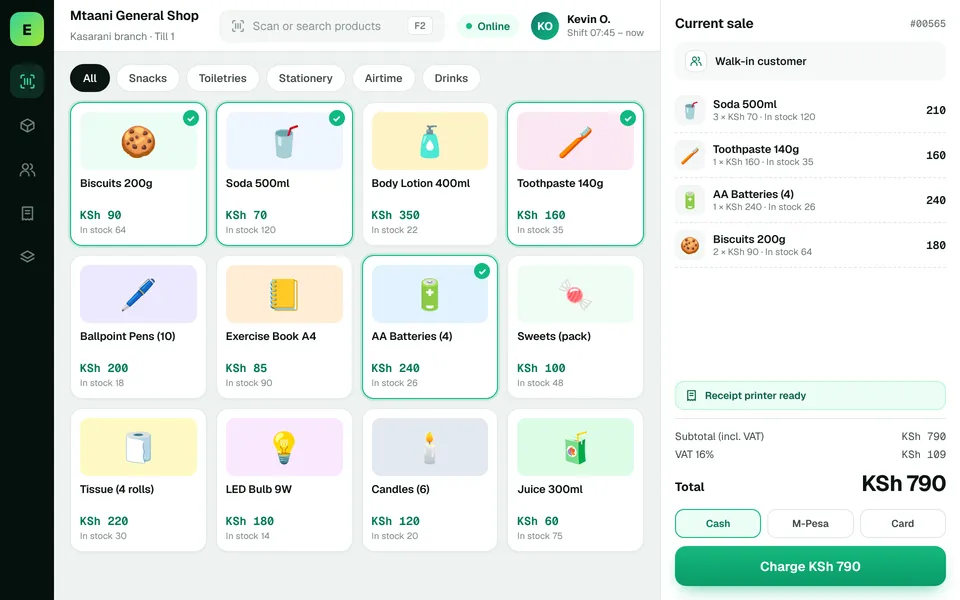 Retail ShopsKeep daily selling simple and track the product information your retail team depends on.
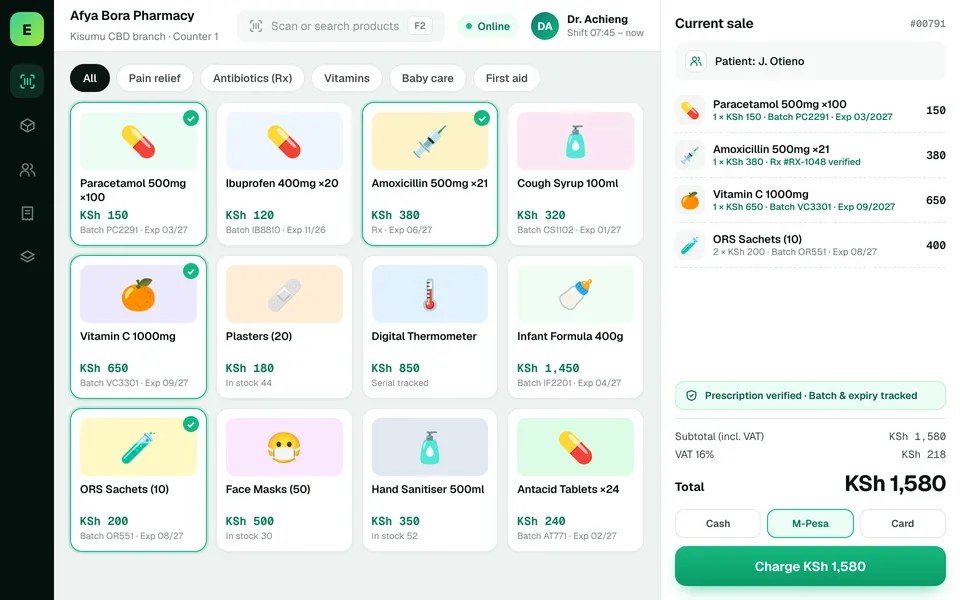 PharmaciesStay informed about pharmacy product movement, purchasing activity and daily business results.
The examples on this page describe useful requirements for restaurant software. Specialist capabilities, hardware compatibility, offline behaviour, M-Pesa integration and KRA eTIMS integration must be confirmed for your EUJIM POS deployment. See KRA's official integration guidance.
See EUJIM POS working with your own products, your supplier deliveries and your end-of-day routine. We'll put the quotation in writing.