Order capture and fulfilment
Track an order from quotation to picking, dispatch and invoicing. Identify whether partial fulfilment is needed.

Stay on top of every moving part.
Wholesale and distribution operations focus on bigger orders, customer-specific terms, purchase volumes and fulfilment accuracy. Basic counter checkout is often only one part of the required system.
Wholesalers manage substantial product movement and purchasing activity. Access to clear records helps your team understand transactions and keep operations coordinated.
EUJIM POS offers an entry point to organise core selling and reporting. Discuss customer-specific pricing, warehousing and fulfilment needs with our team to confirm scope.
Choosing a POS is about checking how it fits your operation, not comparing feature lists. Use the questions below when meeting a vendor or planning a pilot.
An example EUJIM POS sale set up for wholesale & distributors: industry products and units, the running cart, VAT and payment options in one screen.
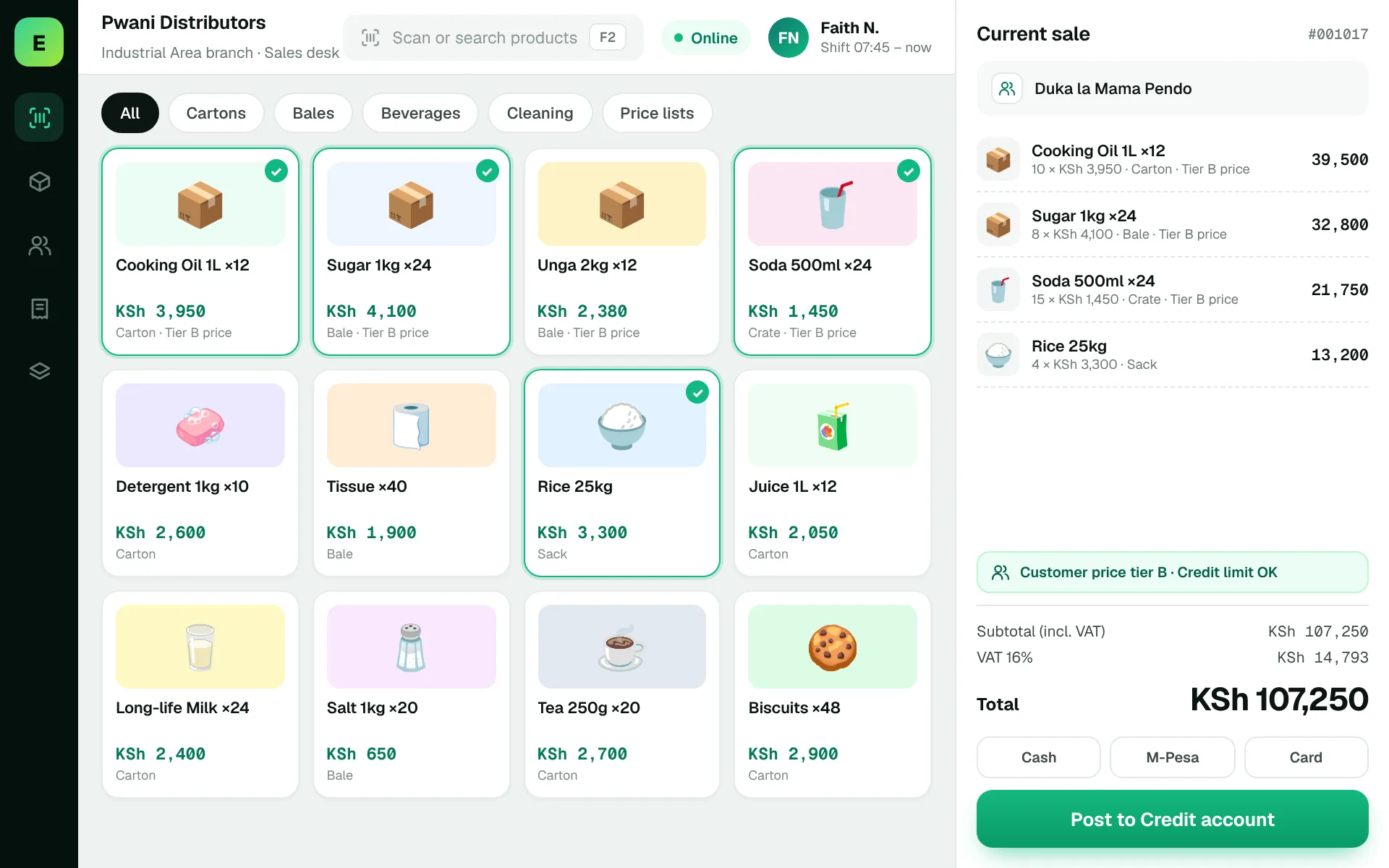
Use these to judge any software against the way your team really works.
Track an order from quotation to picking, dispatch and invoicing. Identify whether partial fulfilment is needed.
Review tier prices, negotiated terms and discounts; establish who can override prices.
Check stock visibility by warehouse and the handling of inter-location transfers.
Understand how credit terms, overdue accounts and supplier obligations are surfaced.
A retailer orders 100 units, but only 60 can ship today. Ask how the outstanding quantity is tracked and when documents and payments are recorded.
Test this in a demoShare this checklist with your operations and finance teams, then ask any vendor to demonstrate each item.
Discuss your requirementsCustomer-specific pricing
Orders and partial fulfilment
Warehouse location records
Credit and receivables
Picking and delivery documents
Purchase planning
Role permissions and audit trail
Straight answers to help you shortlist a system that matches your needs.
Wholesale commonly needs deeper order, price and account workflows than quick retail checkout.
Request a demonstration of your pricing policy and how exceptions are approved.
This depends on warehouse-level inventory capabilities; verify them before purchase.
Compare how other trades approach checkout, stock and reporting. All POS guides
Compare requirements, costs, invoicing, hardware and onboarding.
Read the guides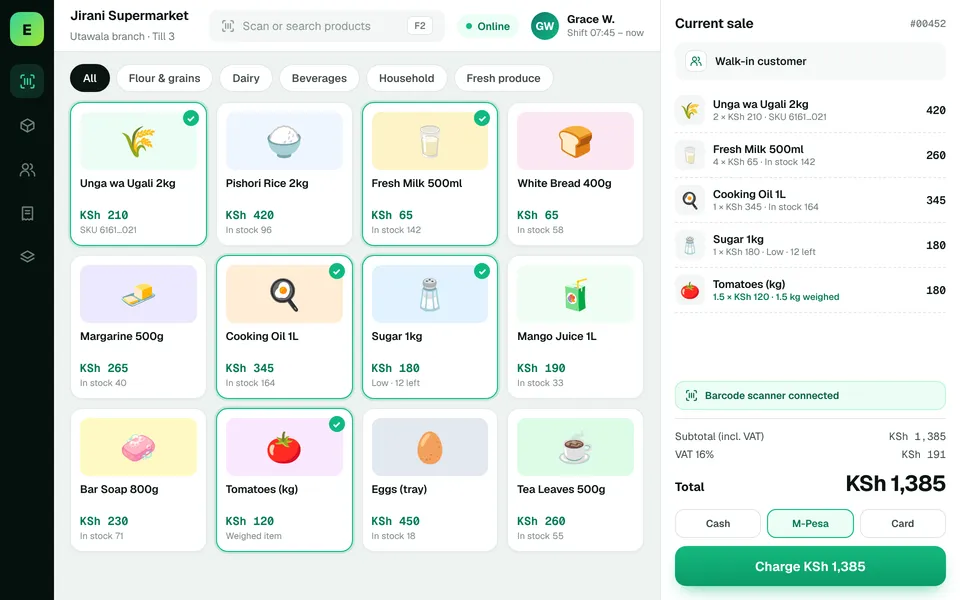 SupermarketsManage fast-moving products, daily checkout queues, replenishment and sales performance from a connected workspace.
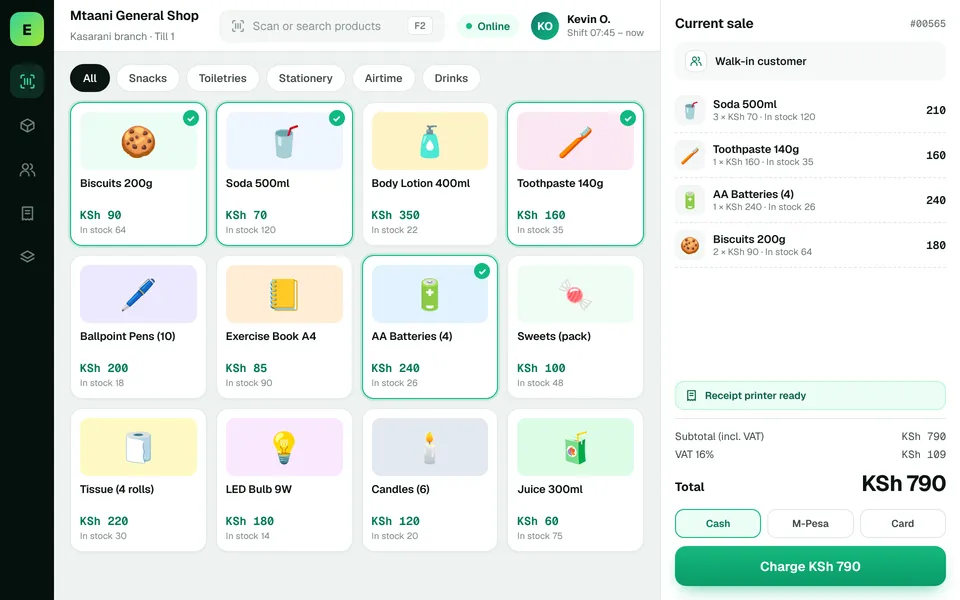 Retail ShopsKeep daily selling simple and track the product information your retail team depends on.
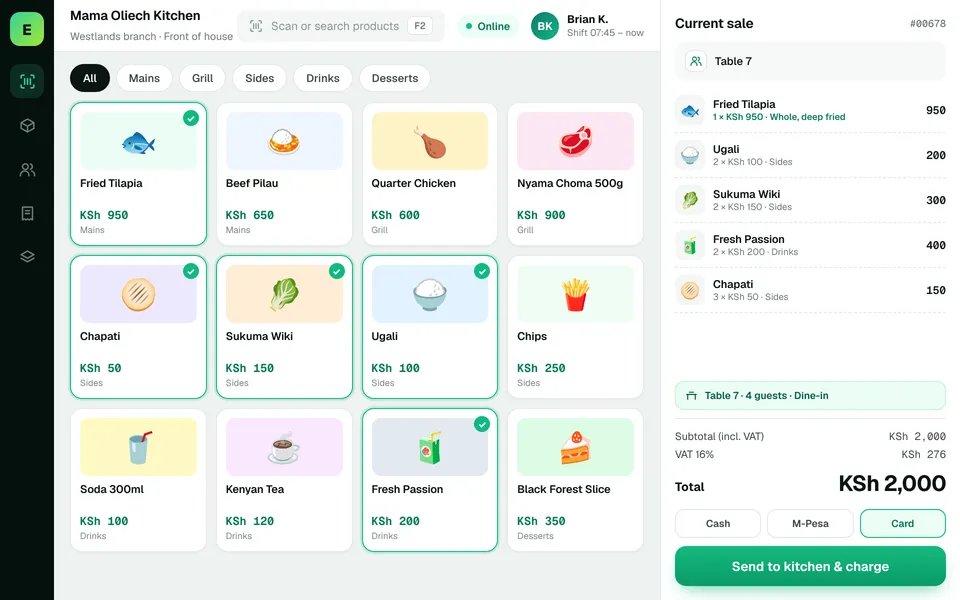 Restaurants & CafésSimplify daily sales recording and understand how your food-service business performs.
The examples on this page describe useful requirements for wholesale software. Specialist capabilities, hardware compatibility, offline behaviour, M-Pesa integration and KRA eTIMS integration must be confirmed for your EUJIM POS deployment. See KRA's official integration guidance.
See EUJIM POS working with your own products, your supplier deliveries and your end-of-day routine. We'll put the quotation in writing.