Part identification
Test product lookups using a part number, description or category.

Get every part in the right place.
Auto spares shops need accurate product records and quick item identification. The right POS should help staff find parts faster while giving owners clearer stock and sales visibility.
Auto spares shops often manage large catalogues and must identify the right part quickly. Better records reduce confusion and help owners see what is moving.
EUJIM POS provides a practical starting point for sales recording, purchasing visibility and stock awareness.
Choosing a POS is about checking how it fits your operation, not comparing feature lists. Use the questions below when meeting a vendor or planning a pilot.
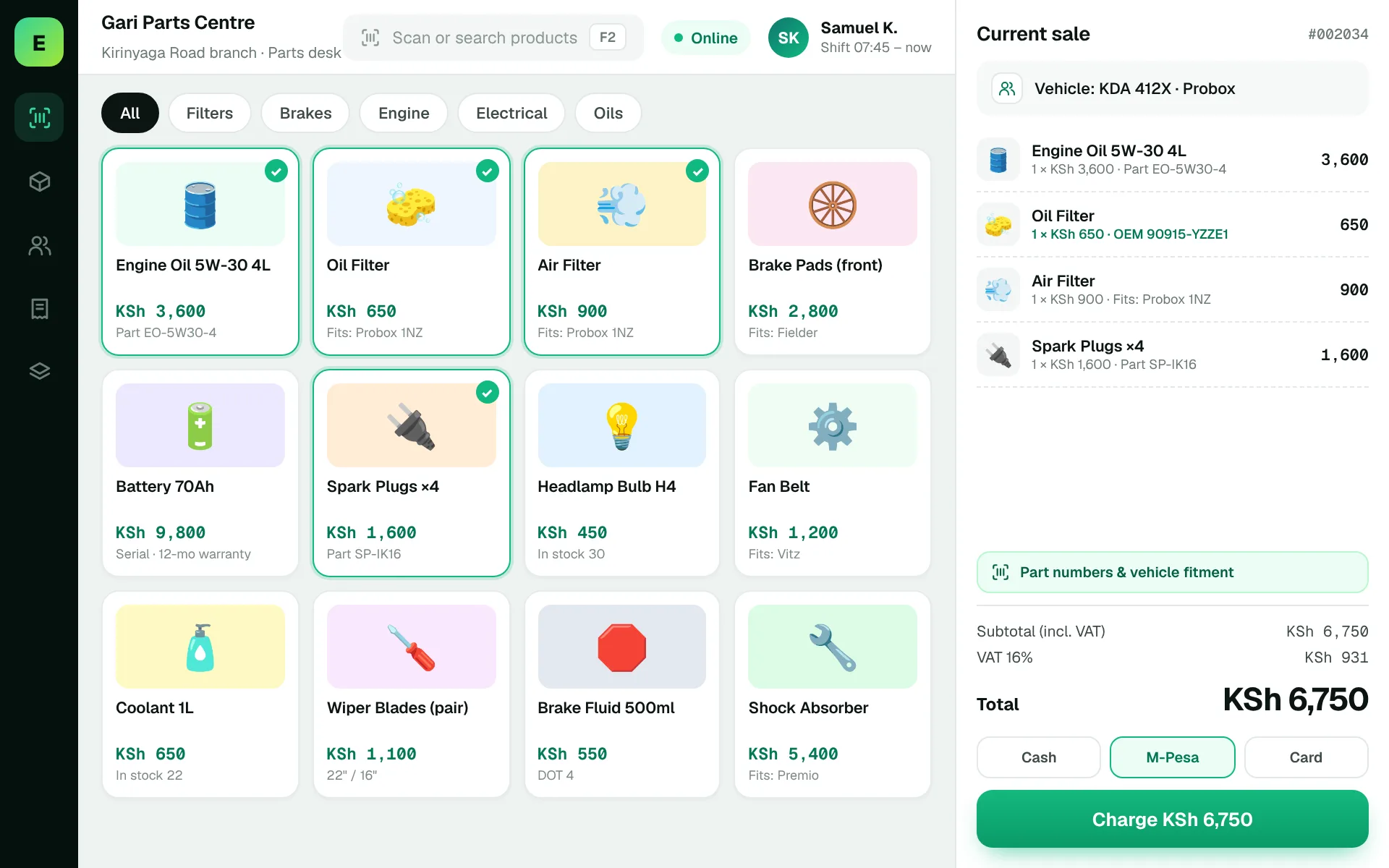
An example EUJIM POS sale set up for auto spares shops: industry products and units, the running cart, VAT and payment options in one screen.
Use these to judge any software against the way your team really works.
Test product lookups using a part number, description or category.
Record deliveries accurately so the available quantity matches the shelf and store records.
Make sure staff can quickly confirm price and availability while serving customers.
Document product returns and incorrect part issues clearly.
The staff member should find the item quickly, confirm stock and complete the sale without confusion.
Test this in a demoShare this checklist with your operations and finance teams, then ask any vendor to demonstrate each item.
Discuss your requirementsPart numbers and descriptions
Fast item search
Supplier records
Returns and damages
Stocktake workflow
Sales reporting
Simple branch visibility if needed
Straight answers to help you shortlist a system that matches your needs.
Yes, especially where large catalogues and replenishment planning are becoming difficult to manage manually.
Absolutely. Search speed and catalogue clarity matter a lot in this industry.
Ask for sales trends, fast movers and low-stock visibility.
Compare how other trades approach checkout, stock and reporting. All POS guides
Compare requirements, costs, invoicing, hardware and onboarding.
Read the guides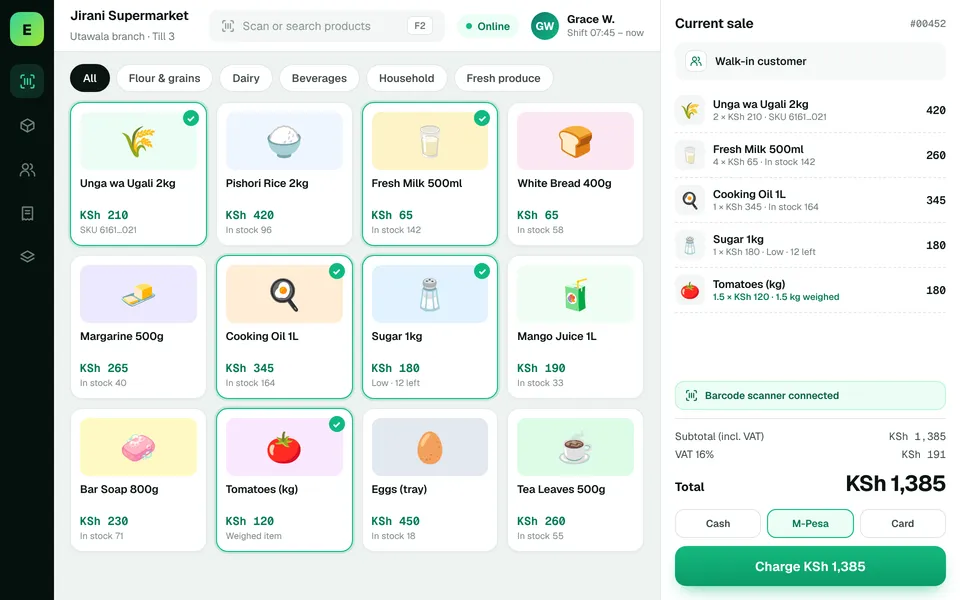 SupermarketsManage fast-moving products, daily checkout queues, replenishment and sales performance from a connected workspace.
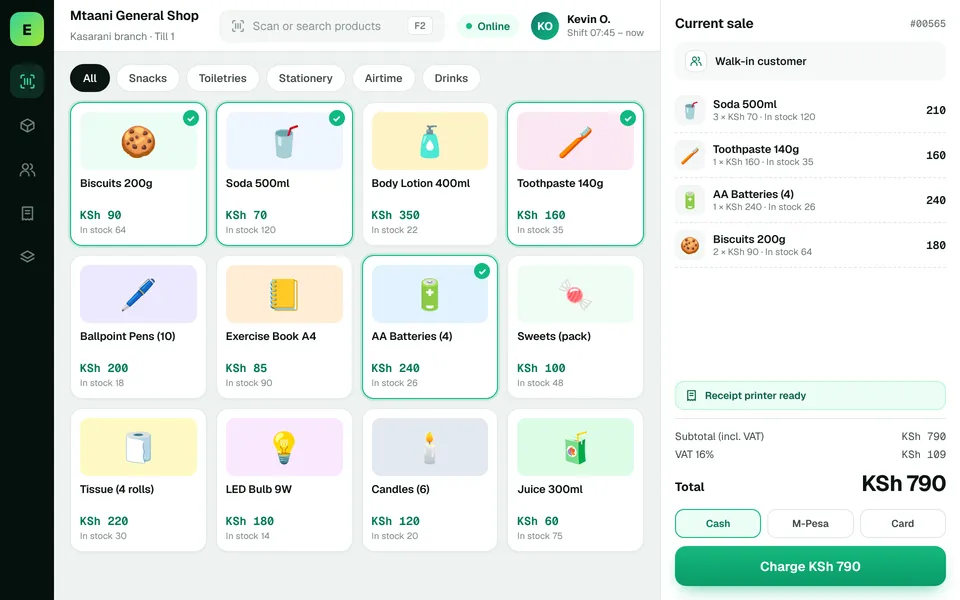 Retail ShopsKeep daily selling simple and track the product information your retail team depends on.
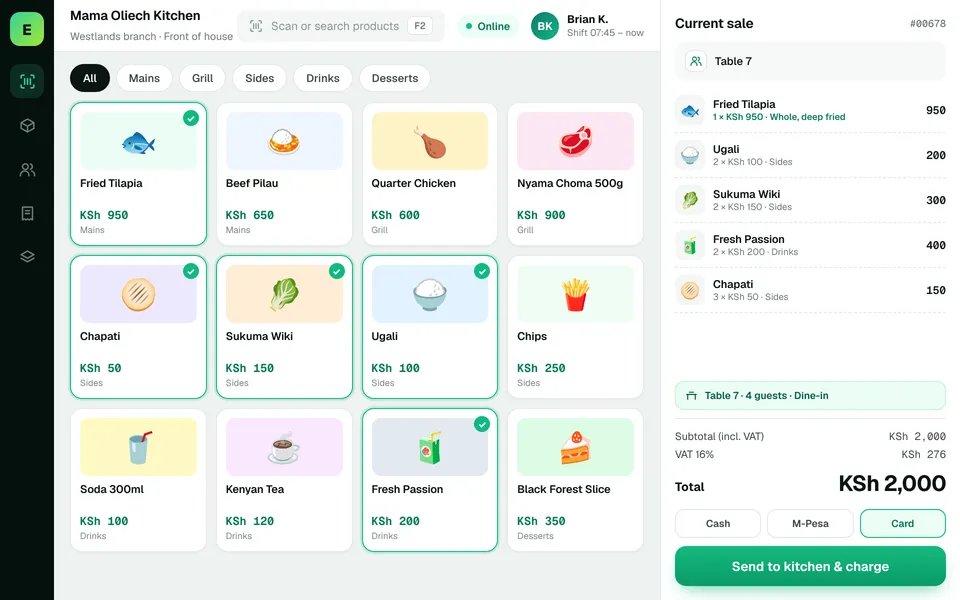 Restaurants & CafésSimplify daily sales recording and understand how your food-service business performs.
The examples on this page describe useful requirements for auto spares software. Specialist capabilities, hardware compatibility, offline behaviour, M-Pesa integration and KRA eTIMS integration must be confirmed for your EUJIM POS deployment. See KRA's official integration guidance.
See EUJIM POS working with your own products, your supplier deliveries and your end-of-day routine. We'll put the quotation in writing.