Product and model records
Capture brand, model, colour and capacity where relevant without creating ambiguous item labels.

A better way to track what's selling.
Electronics retailers often need to distinguish products by model, serial number, warranty and purchase source. Reliable transactional records are important when customers later return with a faulty device.
Electronics retailers often have changing stock and a wide range of product prices. A structured system can help avoid scattered sales and purchasing records.
Specialist serial-number, warranty and repair tracking are requirements to confirm during onboarding, not default claims.
Choosing a POS is about checking how it fits your operation, not comparing feature lists. Use the questions below when meeting a vendor or planning a pilot.
An example EUJIM POS sale set up for electronics & phone shops: industry products and units, the running cart, VAT and payment options in one screen.
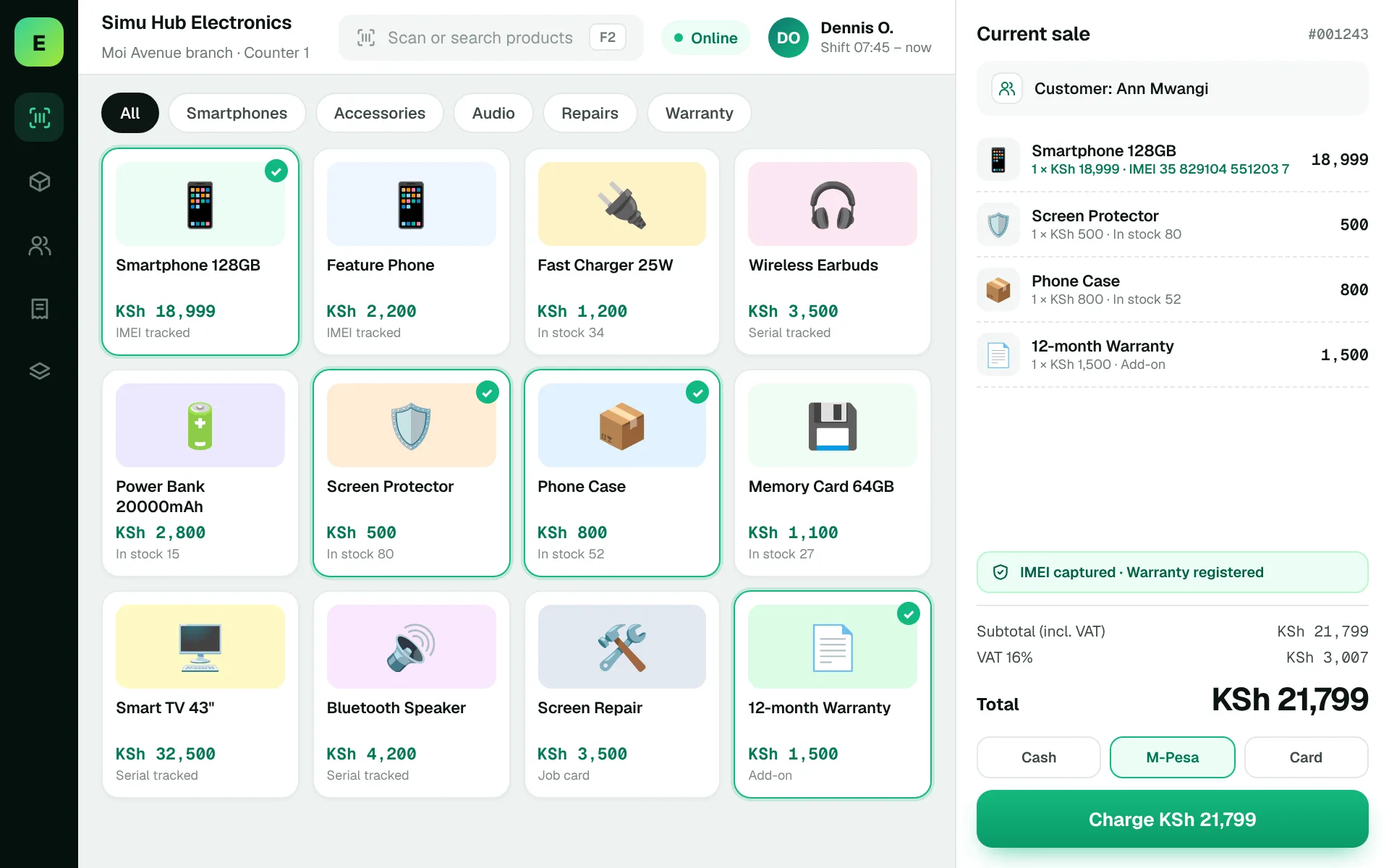
Use these to judge any software against the way your team really works.
Capture brand, model, colour and capacity where relevant without creating ambiguous item labels.
If required, follow a unique unit from receipt through sale, return and warranty review.
Identify what information should appear on receipts and how the business finds an original sale.
Test discounts and bundled sales such as a handset with a charger and case.
A customer returns a device three months after purchase. The retailer must identify the exact unit, original transaction and warranty terms.
Test this in a demoShare this checklist with your operations and finance teams, then ask any vendor to demonstrate each item.
Discuss your requirementsModel and variant identification
Serial/IMEI requirements
Warranty records
Returns and exchange evidence
Supplier provenance
Stock valuation
Access rules for high-value refunds
Straight answers to help you shortlist a system that matches your needs.
IMEI or serial tracking can be valuable for device accountability. Check whether the actual software supports unique-item records.
Not necessarily. Warranty terms and serial traceability may require additional documentation.
Use a realistic example involving one handset, a serial number, a sale and a return.
Compare how other trades approach checkout, stock and reporting. All POS guides
Compare requirements, costs, invoicing, hardware and onboarding.
Read the guides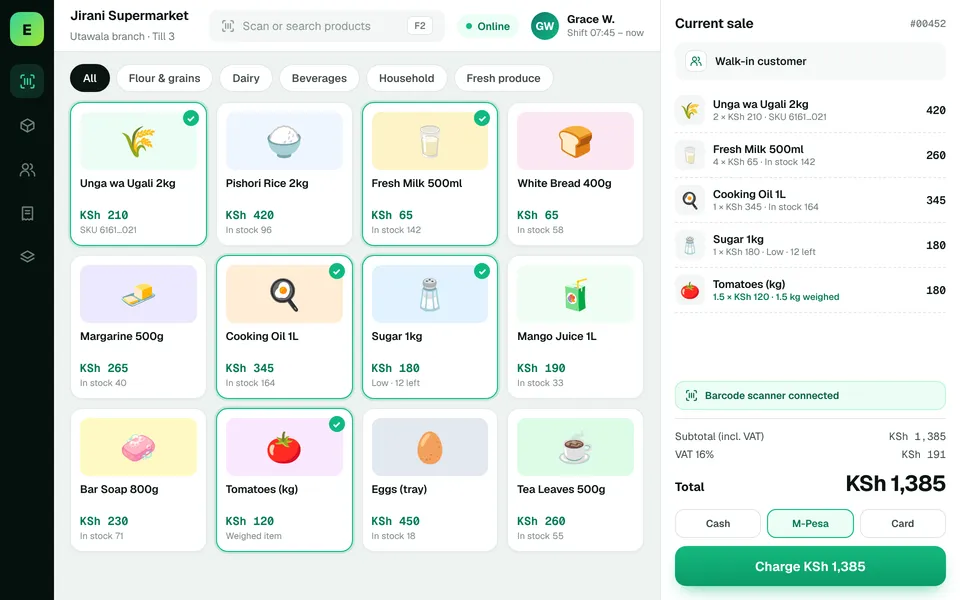 SupermarketsManage fast-moving products, daily checkout queues, replenishment and sales performance from a connected workspace.
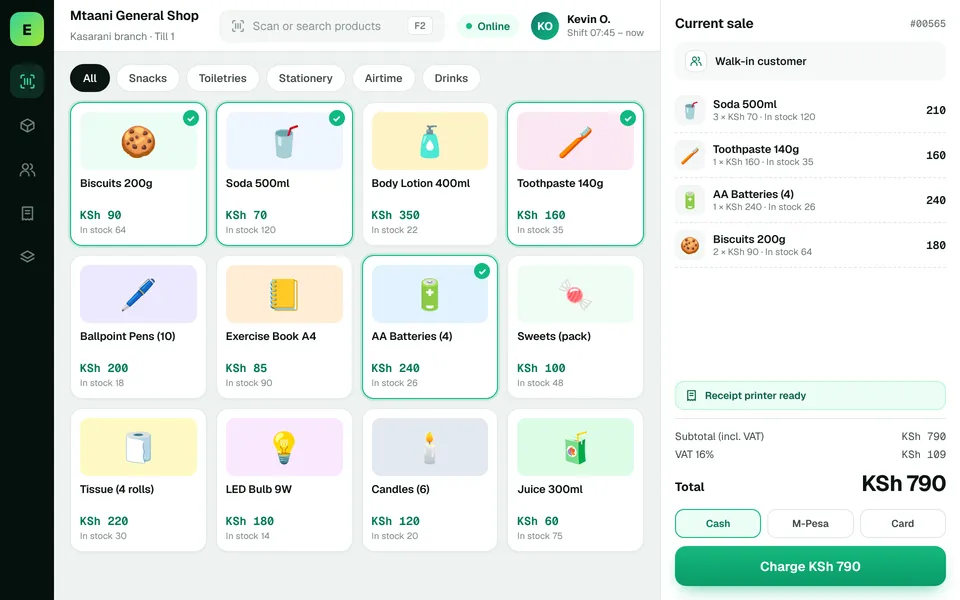 Retail ShopsKeep daily selling simple and track the product information your retail team depends on.
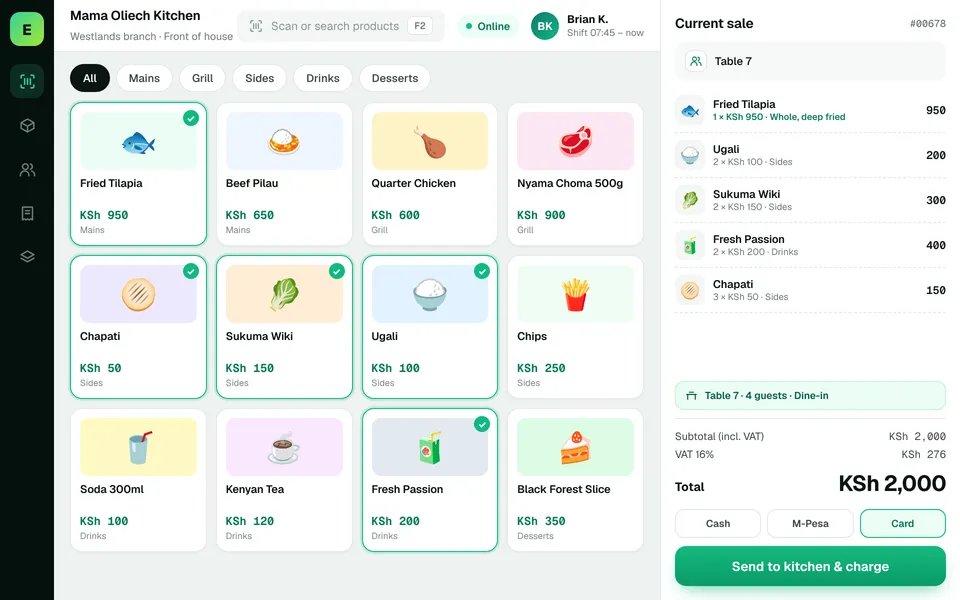 Restaurants & CafésSimplify daily sales recording and understand how your food-service business performs.
The examples on this page describe useful requirements for electronics shop software. Specialist capabilities, hardware compatibility, offline behaviour, M-Pesa integration and KRA eTIMS integration must be confirmed for your EUJIM POS deployment. See KRA's official integration guidance.
See EUJIM POS working with your own products, your supplier deliveries and your end-of-day routine. We'll put the quotation in writing.